
Updated: November 19, 2026
Your cash register or basic card reader has worked fine for years. Sales get rung up, the drawer balances most nights, and switching to something new feels like solving a problem you don’t actually have. But “it works fine” and “it’s not costing you anything” are two different claims, and most retailers running on manual tracking have never actually measured the gap between them.
This piece doesn’t tell you a POS system is automatically worth it. It tells you what specifically changes, what it costs, and where the real payoff shows up, so you can run the math on your own store instead of taking a vendor’s word for it.
Key Takeaways
- A POS system is worth it when inventory tracking, checkout speed, or customer data are already costing you real money, not as a blanket rule for every store.
- Realtime POS plans start at $80/month per register, with no hidden fees layered on top later.
- Most teams are running transactions confidently within 30 minutes of setup, not days.
- Retail shrink alone averaged 1.57% of sales industry-wide in 2022, according to the National Retail Federation, a cost manual tracking can’t catch in real time.
- The right question isn’t ‘is a POS system worth it,’ it’s ‘which parts of my current setup are actually worth replacing.’
Table of Contents
- Is a POS System Worth It? The Short Answer
- What Running on Manual Tracking Actually Costs You
- POS System vs. Manual Cash Register: What Changes
- What It Actually Costs (And What You Get For It)
- Will It Slow Down My Staff? What Changes Day One
- Inventory, Loyalty, and the Benefits That Compound Over Time
- So, Is It Worth It for Your Store?
- Frequently Asked Questions
Is a POS System Worth It? The Short Answer
Yes, if you’re currently tracking inventory by hand, losing time at checkout, or have no way to tell your regular customers from first-time ones. A POS system replaces guesswork with a running record of what sold, what’s left, and who bought it. Realtime POS plans start at $80 a month per register, no hidden fees stacked on top later.
That’s the real baseline cost. Whether it’s worth paying depends on what manual tracking is actually costing you right now, which is the part most vendors skip straight past.
What Running on Manual Tracking Actually Costs You
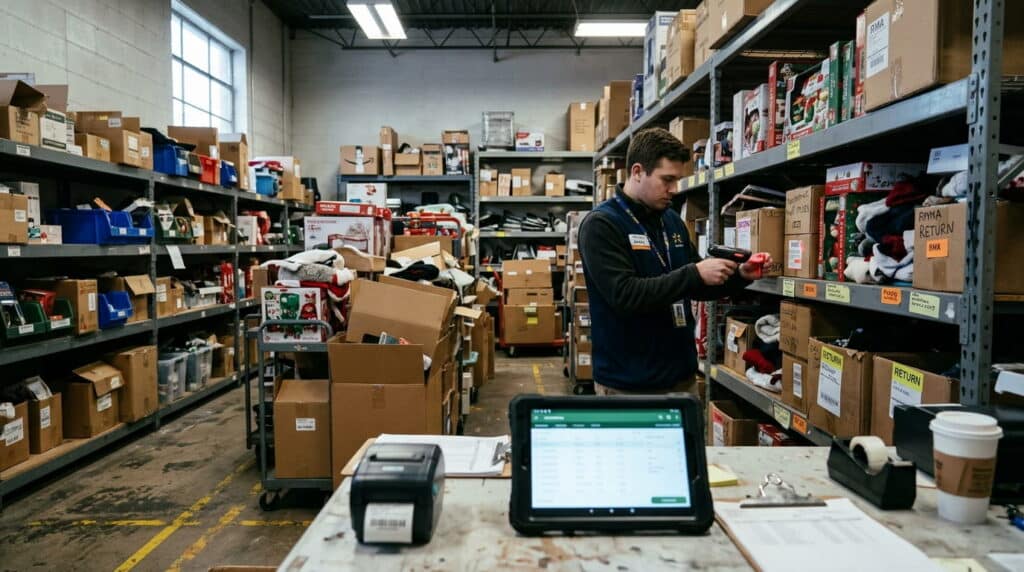
Manual tracking doesn’t fail loudly. It fails quietly: a few units short on a recount, a sale that never got logged, a regular customer nobody remembers by name. None of that shows up as a single bad day. It shows up as a slow leak.
Retail shrink, inventory that disappears through theft, damage, or just bad counting, averaged 1.57% of sales industry-wide in 2022, according to the National Retail Federation. That figure comes from large chains with dedicated loss-prevention teams. An independent store running a notebook and a cash drawer has fewer eyes on the problem, not more, so there’s no reason to assume the number is better on your end.
The honest case against manual tracking isn’t that it’s impossible. Plenty of stores run on it for years. It’s that nobody can tell you, in real time, what it’s actually costing them. A missed reorder point means a bestseller sits out of stock for a week. A miscounted shelf means you order more of something you already have too much of. Each one is small. Together, they’re the gap between ‘the drawer balances’ and ‘we’re making what we should.’
Across installs built on decades of combined retail systems experience, the pattern is always the same: no single missed count or late reorder breaks a store. It’s the accumulation nobody’s tracking that does.
POS System vs. Manual Cash Register: What Changes
Here’s the practical difference, side by side:
| Manual Tracking | POS System | |
|---|---|---|
| Inventory visibility | Counted by hand, usually after the fact | Updated in real time with every sale |
| Checkout speed | Limited by how fast someone can ring items manually | Barcode scanning and speed-button lookups |
| Customer history | Exists only if staff remember it | Logged automatically, searchable by name or phone |
| Reporting | Built from register tapes or spreadsheets after close | Available on demand, during the day |
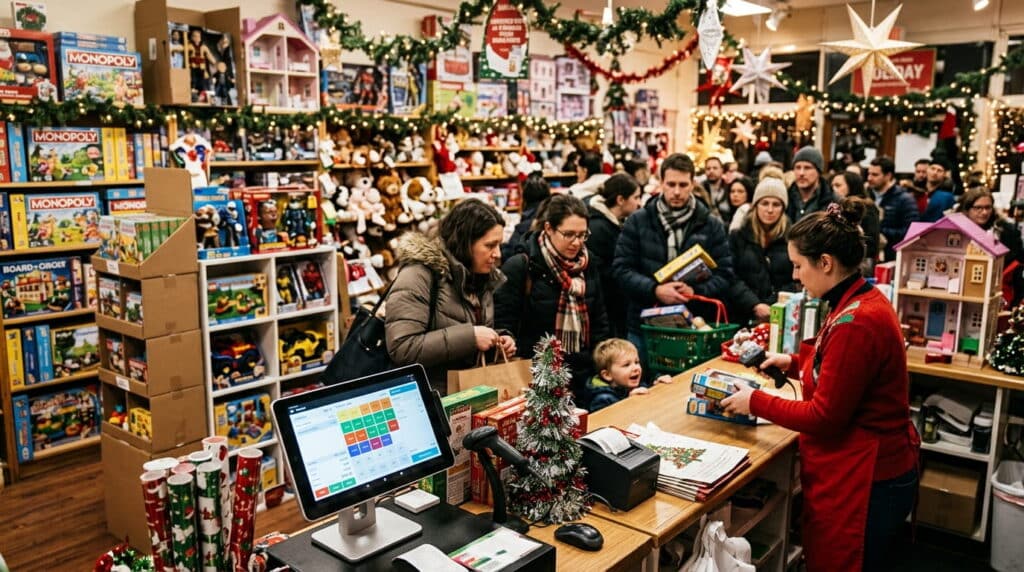
The checkout-speed row matters more than it looks on paper. A slow register doesn’t just annoy the one customer standing there, it backs up the line behind them, and a backed-up line is the fastest way to lose a sale from someone who decides it’s not worth the wait.
The inventory row is where most of the real money sits, though. A POS system doesn’t just record what sold. It flags what’s about to run out before a customer asks for it and you don’t have it. That’s the difference between restocking on your own schedule and restocking in a panic.
None of this means manual tracking is incompetent. It means it’s reactive by design, built to tell you what happened, not what’s happening right now.
What It Actually Costs (And What You Get For It)
Realtime POS plans start at just $80 a month per register. No setup fee buried in fine print, no surprise jump after an introductory rate expires. That covers inventory management, checkout, and reporting in one system rather than three separate tools stitched together.
Compare that against what manual tracking actually costs, even though nothing ever shows up on an invoice for it: staff time spent recounting shelves by hand, sales lost to a slow line, a popular item sitting out of stock for a week because nobody caught the reorder point in time. None of that is a line item, which is exactly why it’s easy to underestimate.
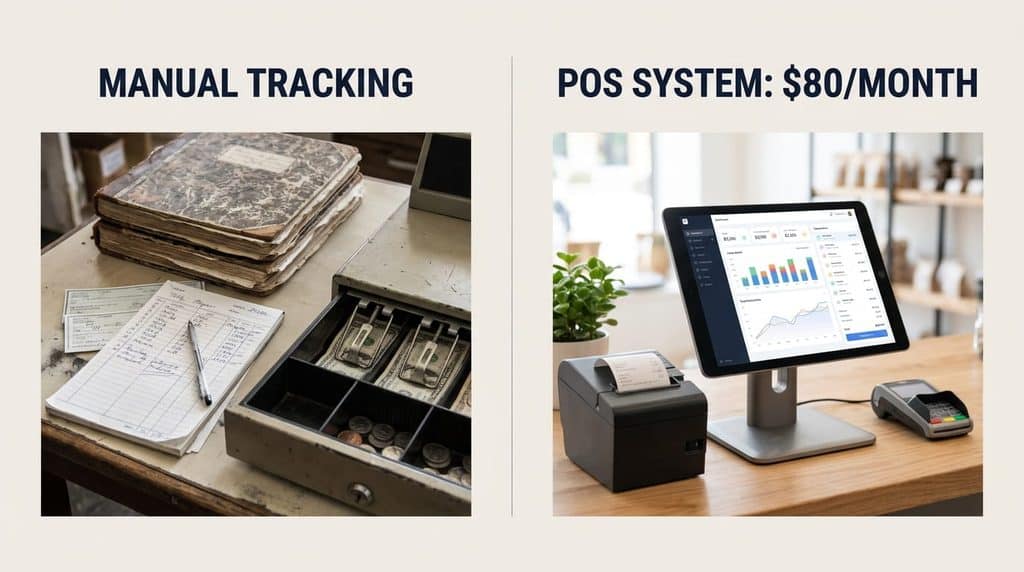
The fair way to run this comparison isn’t ‘$80 a month’ against ‘$0 a month for the register you already own.’ It’s $80 a month against the real cost of the gaps a cash register can’t see. For the full breakdown of what’s included at that price point, see our retail POS system buyer’s guide for plan details and what changes as you scale past one register, or see our full pricing plans for exact tiers.
Will It Slow Down My Staff? What Changes Day One
This is the fear that stops a lot of retailers from switching, and it’s a fair one. Nobody wants to lose a week of checkout speed training a new system during a busy stretch.
In practice, the learning curve is shorter than most people expect. Most teams are running transactions confidently within 30 minutes of first logging in. That’s not because the system is stripped down to the point of being limited, it’s because checkout is built around speed buttons and lookup tools instead of a manual to memorize.
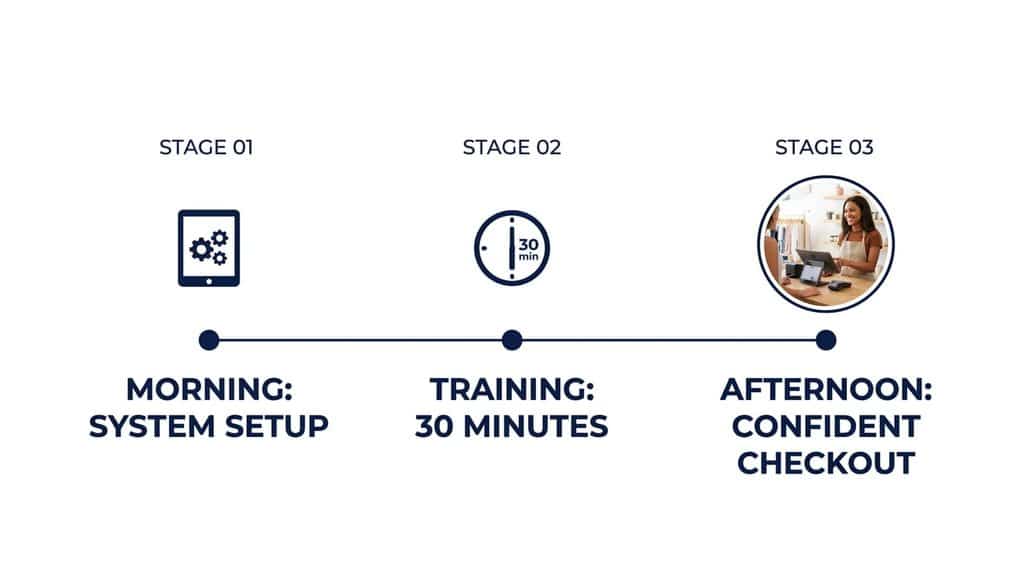
The real adjustment period isn’t learning where the buttons are. It’s the first week of actually seeing inventory data you never had before, and figuring out what to do with it. That part takes longer than 30 minutes, but it’s also the part that’s genuinely valuable, not just the part that’s fast to learn.
If you’re switching during a seasonal rush specifically, time it with care. The system itself won’t slow your staff down once they’re past day one, but adding any new tool during your busiest week of the year is rarely the right call, no matter how fast it is to learn.
Inventory, Loyalty, and the Benefits That Compound Over Time
The benefits that show up on day one, faster checkout, a cleaner till, are real but modest. The ones that actually change how a store runs take a few months to compound.
Real-Time Inventory Tracking
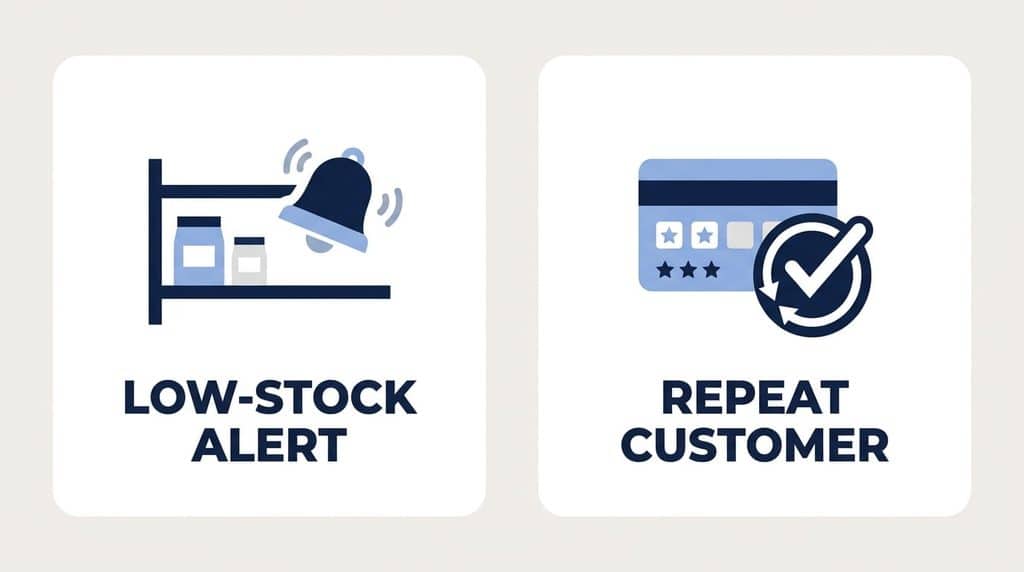
Once a system has a few weeks of real sales data, it stops just recording what happened and starts flagging what’s about to happen. Low-stock alerts catch a bestseller before it runs out, not after a customer already asked for it and left without buying. Automated reorder points mean nobody has to remember to check, because the system already did.
This matters more than it sounds like it should. An out-of-stock bestseller doesn’t just cost you that one sale. It’s the customer who came in specifically for that item and now has no reason to come back next week either.
Customer Loyalty and Repeat Visits
A cash register has no memory. A POS system does. Every sale builds a record of who buys what and how often, which is what makes a real loyalty program possible instead of a punch card someone has to remember to stamp.
If loyalty programs are new territory for your store, our guide on building a successful loyalty rewards program walks through how to structure one that retailers actually stick with, rather than one that fades out after the first month.
So, Is It Worth It for Your Store?
Skip the vague version of this answer. Here’s the actual framework for whether this investment pays off:
- If you’re manually recounting inventory more than once a week, a POS system pays for itself in time alone.
- If a slow checkout line has ever cost you a walkout, that’s lost revenue an $80-a-month system is specifically built to stop.
- If you have no way to tell your regular customers from first-time ones, you’re leaving loyalty-driven repeat business on the table every week, without knowing it.
If none of those describe your store, a POS system probably isn’t urgent yet, and that’s a fair place to land. But for most independent retailers past their first year, at least one of those three is already true, and that’s the one worth running the numbers on before deciding either way.
Frequently Asked Questions
How long does it take a POS system to pay for itself?
It depends on what manual tracking is costing you today, but the biggest factors are reduced shrink from better inventory visibility and time saved on manual recounts and reconciliation, both of which start compounding within the first few weeks, not months.
What does a POS system actually cost per month?
Realtime POS plans start at $80 a month per register, with no hidden fees, covering inventory, checkout, and reporting in one system.
Will switching to a POS system slow down my staff at first?
Most teams are running transactions confidently within 30 minutes of setup. The real adjustment period is learning to use the new inventory data, not learning the checkout interface itself.
Is a POS system worth it for a very small, low-volume store?
If you’re not yet recounting inventory by hand regularly or losing sales to checkout speed, it may not be urgent yet. The decision comes down to whether inventory tracking, checkout speed, or customer data are already costing you something today.
See What Actually Changes for Your Store
Get a walkthrough built around your current setup, not a generic demo script.
Call (888) 365-0026 Book a FREE Demo