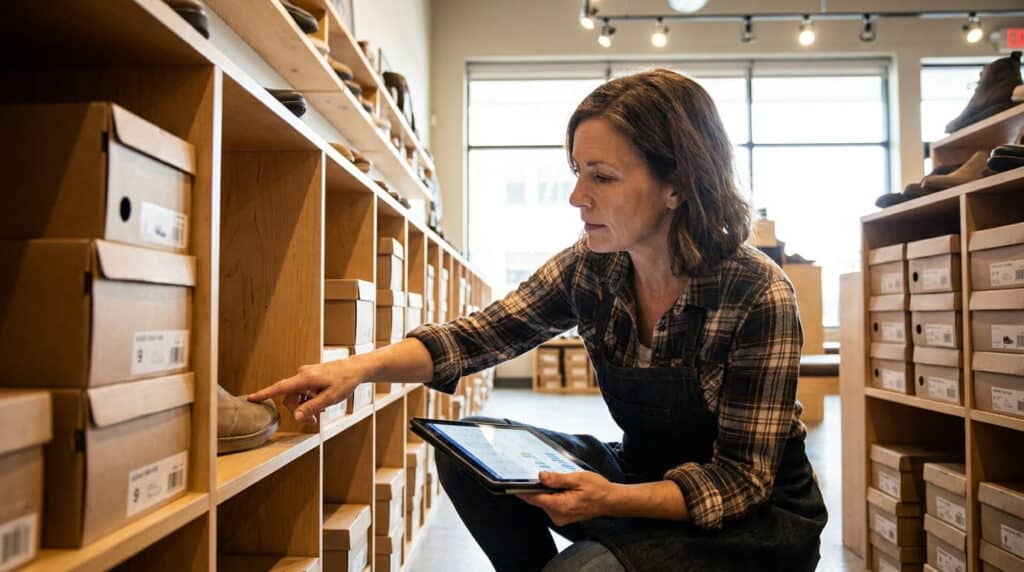
If you’re staring at a pricey quote for POS hardware and wondering whether the phone in your pocket could do the job instead, the honest answer is yes, with a catch. A phone or tablet can run a real point-of-sale system. The question that actually matters isn’t whether it works on day one, it’s whether it still works once you add a second register, a second location, or more than a few hundred SKUs.
Key Takeaways
- A phone or tablet can genuinely run a full POS, with the right add-ons, not just a standalone app.
- The real question isn’t capability, it’s whether the setup scales with you as you grow.
- What you need beyond the device itself: a card reader, a payment processor, and usually a receipt printer.
Table of Contents
Can a Phone or Tablet Actually Run a POS System?
Yes. A phone or tablet, paired with the right software and a card reader, can process payments, track sales, and manage basic inventory just like a traditional register. This isn’t a workaround anymore, mobile POS is a supported, mainstream way to run a retail counter, and businesses are moving toward mobile-friendly payment setups faster than most people realize: business use of digital wallets grew from 47% to 62% in a single year, according to the Federal Reserve’s 2024 Business Payments Study.
What changes isn’t whether it works. It’s what “working” means once your business gets more complicated than one counter and one product list.
What You Actually Need Beyond the App
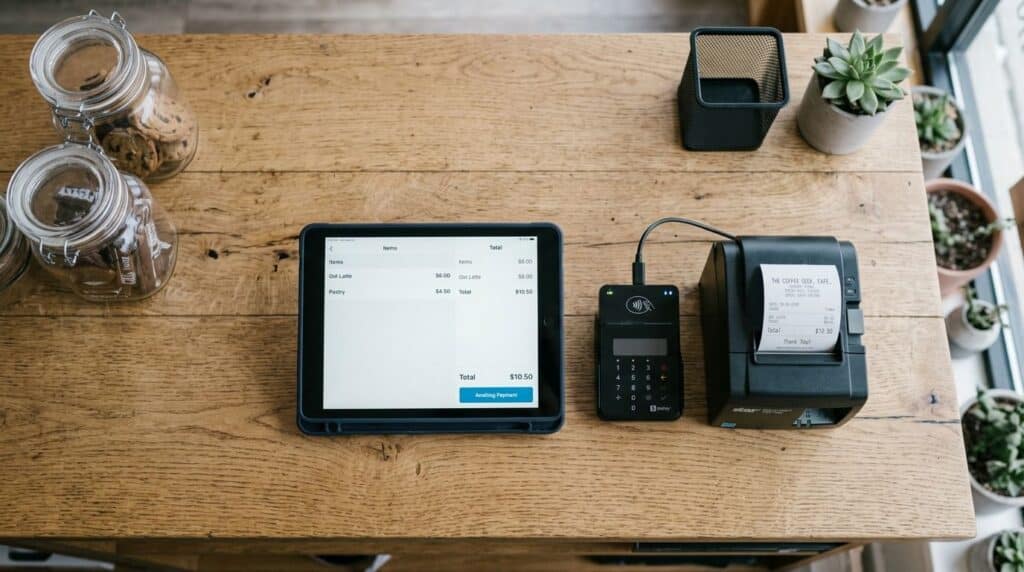
The device is the smallest part of the setup. A phone or tablet with a POS app installed can’t take a card payment on its own, and most customers won’t hand you cash only. Here’s the real shopping list:
- A card reader that pairs with your device over Bluetooth or plugs into the charging port
- A payment processor, the company that actually moves the money from your customer’s bank to yours
- A receipt printer, optional if you’re comfortable emailing or texting receipts, but still the norm in most physical stores
Card Reader and Payment Processing
Your phone’s built-in NFC chip can technically tap-to-pay, but we don’t recommend running an actual retail counter on that alone. In practice, the setups that hold up pair the phone or tablet with a dedicated card reader certified for a specific payment processor; that’s what keeps a transaction PCI-compliant and reliable when a line is forming, not just when you’re testing it alone at the counter.
Receipt Printer (Optional but Common)
Plenty of small operations run entirely on digital receipts now, and customers rarely push back. But if you’re in a storefront rather than a market stall, a compact receipt printer costs relatively little and avoids the awkward “what’s your email” conversation during a rush.
Phone vs. Tablet vs. Dedicated POS Hardware
| Setup Type | Best For | Real Limitation |
|---|---|---|
| Phone | Pop-ups, markets, single-person operations | Small screen makes inventory lookup and reporting slow |
| Tablet | Storefronts, single or low-volume registers (iPad or Android) | Still limited once you add multiple registers or locations |
| Dedicated POS hardware | Multi-register, multi-location, high-volume retail | Higher upfront cost, less portable |
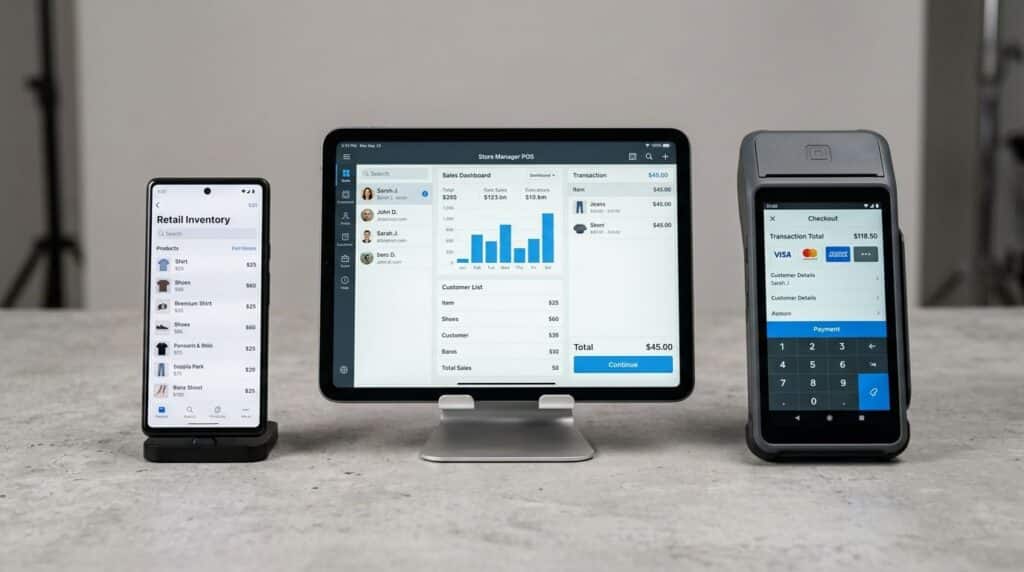
None of these is objectively “better.” A food truck that needs a phone in someone’s apron pocket has a different job to do than a boutique running two registers on a Saturday afternoon.
When a Phone or Tablet Setup Works Well
This setup earns its keep in a specific set of situations: a single register with modest volume, a market stall or pop-up location, or line-busting during a rush when a staff member with a tablet can ring up customers away from the main counter. If you’re running a temporary or seasonal location specifically, our guide on pop-up shop POS covers what that setup should look like in more detail.
Where it starts to strain is predictable, and it’s worth naming honestly before you commit.
When You’ll Outgrow It
In the switches we’ve supported, the moment a phone or tablet setup stops working is rarely dramatic. It’s usually one specific trigger: a second register gets added, a second location opens, or the owner needs a report more detailed than “total sales today.”
Multi-Location Sync
A phone or tablet running a standalone app has no shared backend. Add a second location, and you’re now manually comparing two separate sets of numbers instead of looking at one dashboard. This is the single most common reason retailers we’ve worked with moved off a mobile-only setup.
Real Inventory Depth
Basic mobile POS apps handle a flat product list well. They struggle once you need matrix variants (size, color, style as one trackable item), purchase orders, or stock transfers between locations, the kind of inventory management a growing retailer eventually needs and a simple app usually wasn’t built for.
Reporting Beyond the Basics
Daily sales totals are easy. Margin by category, sell-through rate, or performance by employee are a different tier of reporting, and it’s exactly the tier that becomes useful the moment you’re making real purchasing and staffing decisions instead of just watching the register total climb.
How to Choose Without Getting Stuck
Before you commit to a phone or tablet setup, ask three direct questions:
- Does this scale to a second register without starting over?
- Does it support more than one location if you open a second?
- Can it handle real inventory, not just a flat product list?
If the honest answer to any of these is no, that’s not necessarily a dealbreaker. It just means you’re choosing a setup with a known ceiling, and you should choose it on purpose, not discover it by accident. Our full retail POS system covers what a system needs to handle as you scale past this point, and you can see the Mobile POS feature in full if mobile checkout specifically is what you’re evaluating.
Frequently Asked Questions
Do I need special hardware to use my phone as a POS?
Yes, at minimum a card reader that pairs with your phone and connects to a payment processor. Your phone’s own NFC chip alone isn’t a complete setup for accepting card payments reliably.
Is a tablet POS secure enough for card payments?
Yes, when paired with a certified card reader and a legitimate payment processor. The security comes from that combination, not from the tablet itself, so the reader and processor you choose matter more than the device.
Can I switch from a phone/tablet POS to a full system later without losing data?
In most cases, yes, though it depends on the specific provider’s data export options. Ask any provider you’re considering about their migration process before you’re in a position where you need it urgently.
Does a tablet POS work without Wi-Fi or internet?
Many tablet POS systems include an offline mode that stores transactions locally and syncs once connectivity returns. This varies by provider, so confirm it directly if you expect to operate somewhere with unreliable internet.
See What a Full POS System Actually Looks Like
If you’re weighing a phone or tablet setup against something built to grow with you, see Realtime POS in action before you decide.