
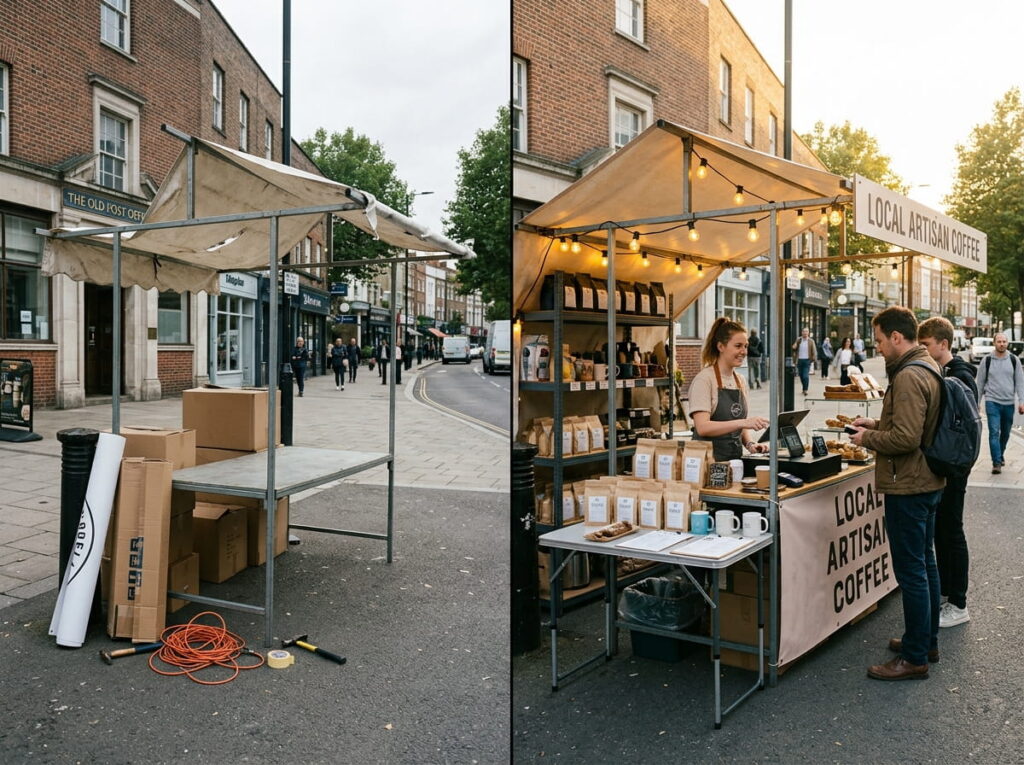
A holiday kiosk, a summer overflow location, a seasonal market stall you run every year — these aren’t quite a permanent second store, but they’re not a casual weekend hobby either. They need real inventory tracking, real reporting, and a real way to close the books when the season ends, without the cost or complexity of setting up a full new store from scratch.
Key Takeaways
- Pop-up and seasonal locations need real inventory and reporting — the same things a permanent store needs, just for a shorter window.
- Mobile POS lets you run a temporary location without installing permanent registers or wiring.
- Stock Transfer makes opening and closing a seasonal location a matter of moving inventory, not starting a new system from scratch.
- Flash Items handle one-off or fast-moving seasonal products that were never in your regular catalog to begin with.
- When the season ends, reporting and QuickBooks Online sync mean closing out is a normal end-of-period process, not a manual scramble.
1. What Makes Seasonal & Pop-Up Retail Different
A permanent store is built once and runs indefinitely. A seasonal or pop-up location is built to run for a defined window — a few weeks, a season, sometimes just a single event — and then close, possibly to reopen again next year. That means the POS running it needs to be quick to stand up, easy to fold back down, and still produce real numbers when it’s over.
2. Running the Location Itself
Mobile POS means a seasonal or pop-up location doesn’t need permanent hardware wired into a counter — a tablet on Wi-Fi is enough to ring up sales, look up stock, and take payments anywhere in the space. That’s the difference between setting up a real point of sale and just accepting payments off a personal phone with no inventory tracking behind it.

3. Opening and Closing Without Starting Over
Stock Transfer means inventory for a seasonal location comes from your existing stock, not a separate purchasing process — move what you need out when the season starts, and move what’s left back when it ends. Opening a holiday kiosk becomes a stock movement, not a new setup project, and closing it down doesn’t leave leftover inventory stranded in a system nobody’s watching anymore.

4. Selling Things That Were Never in Your Catalog
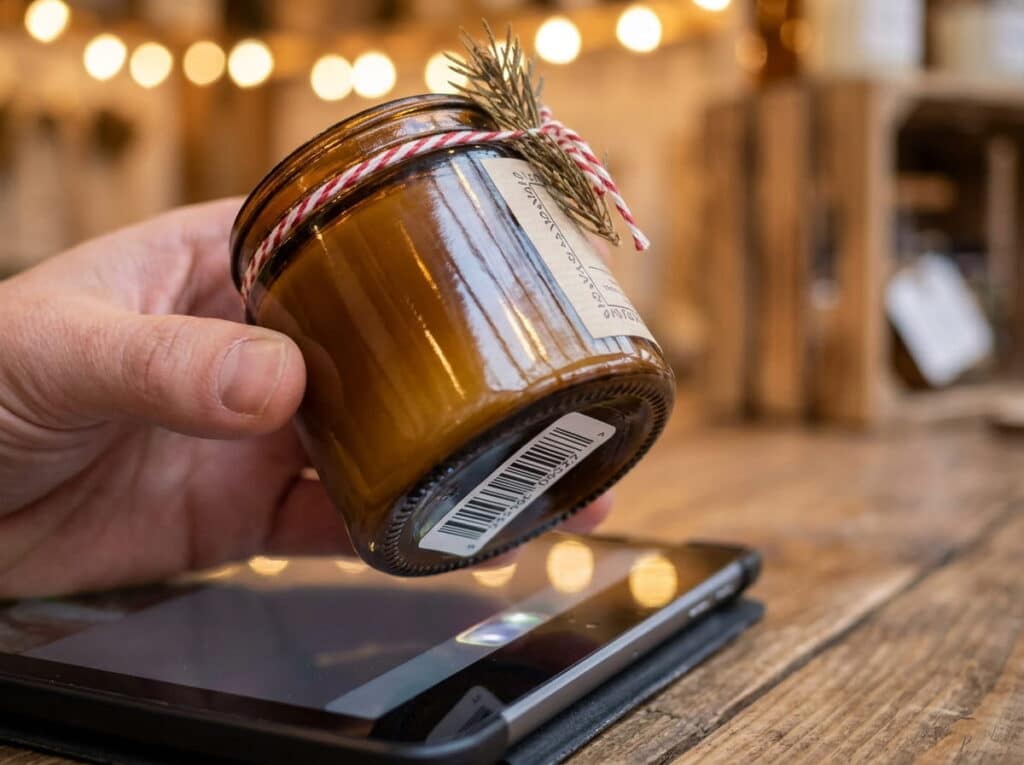
Seasonal retail often means selling things that don’t exist in your regular catalog — a one-off holiday item, a local market exclusive, something you’re only carrying for a few weeks. Flash Items let you sell something that’s not in the catalog yet, recording the description, price, and category on the spot, rather than needing a full catalog entry before you can ring it up.
5. Closing Out When the Season Ends
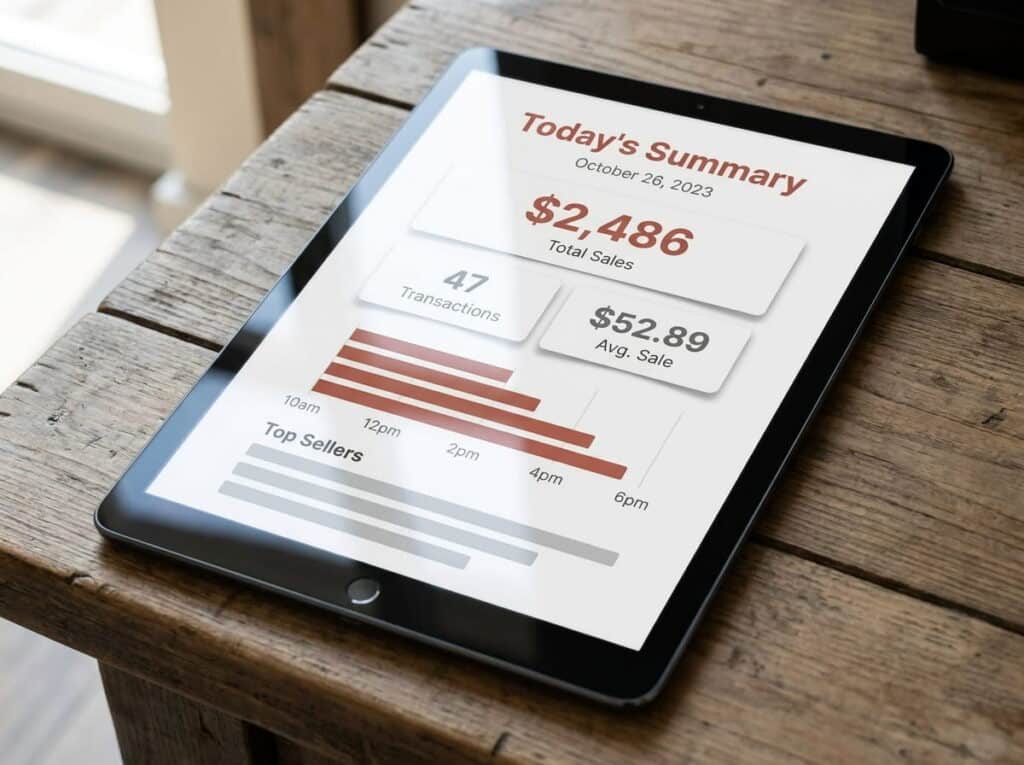
When the season’s over, Real-Time Reporting shows exactly how the location performed — what sold, what didn’t, what to bring back next year — and QuickBooks Online integration means the revenue is already reconciled in your books, not sitting in a separate spreadsheet someone has to merge in manually.
6. Common Questions
Do I need to set up permanent hardware for a seasonal location?
No — Mobile POS runs on a tablet over Wi-Fi, so a seasonal or pop-up space doesn’t need wired registers.
What happens to leftover inventory when the season ends?
Stock Transfer lets you move unsold inventory back to your main location instead of leaving it stranded.
Can I sell something that isn’t in my regular catalog?
Yes — Flash Items let you record and sell a one-off or seasonal item on the spot.
Does this reconcile with my accounting at the end of the season?
Yes — Realtime POS integrates with QuickBooks Online, so seasonal revenue is already synced when the location closes.
Closing
If you’re running (or planning) a seasonal location, holiday kiosk, or recurring pop-up, see how Realtime POS handles the setup, the season, and the close-out — all in one system.