

If you’re still ringing up sales on a cash register and a separate card reader, you’ve probably heard other retailers throw around the term “POS system” like everyone already knows what it means. Most don’t. Here’s the plain version: a POS, or point of sale, system is the software and hardware combination that runs a sale from start to finish, and then keeps track of everything that sale touched, your inventory count, your daily numbers, and the customer who bought it.
That last part is the piece most explanations skip. A POS isn’t just a fancier way to take a credit card. It’s the system that tells you what’s actually happening in your store.
Key Takeaways
- A POS system handles more than payments: inventory, reporting, and customer data are part of the same system, not separate tools
- The real dividing line from a cash register isn’t the checkout, it’s what happens after the sale closes
- There’s a recognizable moment when a business outgrows tracking things by hand, and it usually shows up before the owner notice
- Buying too early wastes money; waiting too long costs you in stockouts and pricing mistakes you can’t see coming
In This Guide
What Is a POS System?
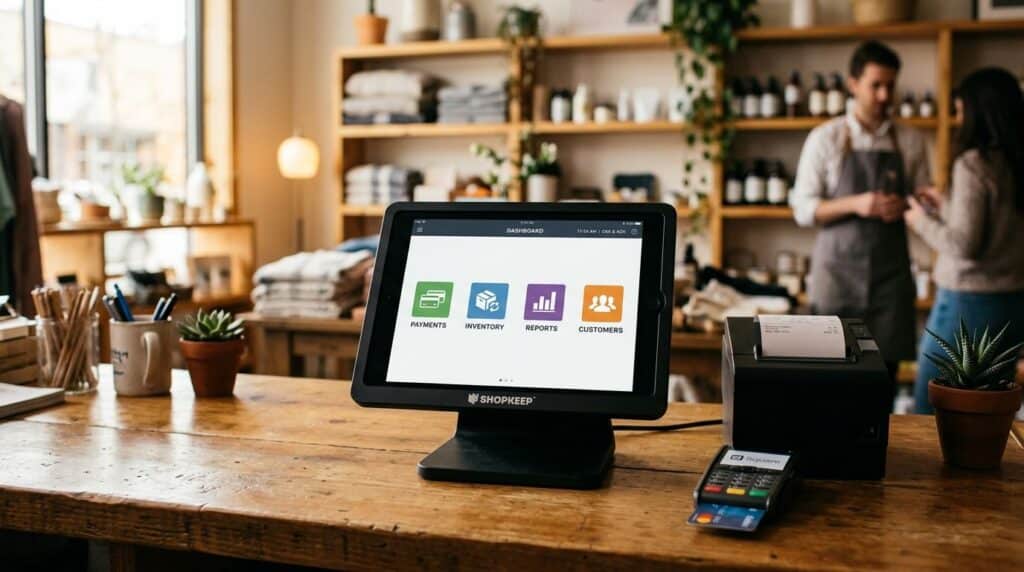
A point of sale (POS) system is the combination of hardware and software a retail business uses to process a sale and record everything connected to it: the item sold, the payment taken, the remaining stock, and the customer who made the purchase. The term describes both the physical setup, the terminal, card reader, and scanner, and the software running behind it.
That software is doing the real work. It’s the difference between a machine that just takes money and a system that tells you what to reorder next Tuesday.
What Does a POS System Actually Do?
Ask most people how a POS system works and they’ll say “it takes payments.” True, but that’s the smallest part of what it’s actually built to do.
Payment Processing
This is the function everyone already understands: swipe, tap, or insert a card, the sale goes through. Most modern systems also handle mobile wallets and split payments across multiple cards. Nothing surprising here, it’s the baseline every system has to get right before anything else matters.
Inventory Management
Here’s where it starts to diverge from a cash register. Every sale updates your stock count in real time, so you’re not walking the floor counting boxes to find out what’s actually left. A good system will flag low stock before you run out, not after a customer asks for something you don’t have.
Sales Reporting & Analytics
Instead of guessing what sold well last month, you get an actual number. That’s the difference between reordering based on a feeling and reordering based on what the register actually recorded. It sounds small until you’ve run a store for a season without it.
Customer Data / CRM
The system remembers who bought what. That’s what makes a loyalty program or a targeted promotion possible in the first place, you can’t reward a repeat customer you have no record of.
Hardware vs. Software: What’s Actually Inside One
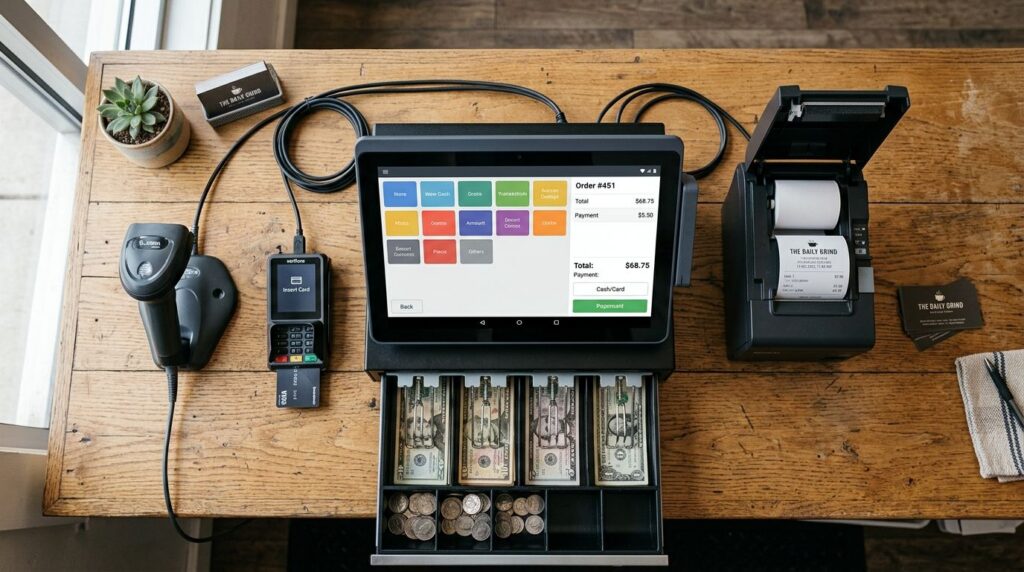
People picture the terminal on the counter and assume that’s the whole system. In reality, POS hardware and software are two separate layers working together.
| Hardware | What It Handles |
|---|---|
| Terminal / register | The physical checkout point |
| Card reader | Processes chip, tap, and swipe payments |
| Barcode scanner | Identifies items and pulls pricing/stock instantly |
| Receipt printer | Prints or emails the transaction record |
| Cash drawer | Secures cash, opens automatically on sale completion |
The software layer runs underneath all of that: it’s what actually tracks the inventory, generates the reports, and stores the customer history. The hardware is just how you interact with it.
POS System vs. Cash Register: The Real Difference
A cash register records that a sale happened. That’s it. It doesn’t know what’s left on the shelf, it doesn’t know if that customer has bought from you before, and it can’t tell you whether this week beat last week.
A POS system does all three, automatically, every time you ring something up. That’s the actual line between the two, not how the checkout looks, but what happens the moment after it closes. We cover this distinction in more depth in our full POS system vs. cash register comparison, and it connects directly to our broader retail POS system overview if you’re evaluating a full switch.
Signs You’ve Outgrown a Cash Register
This is the part most guides skip, and it’s usually the actual reason someone starts researching this topic in the first place.
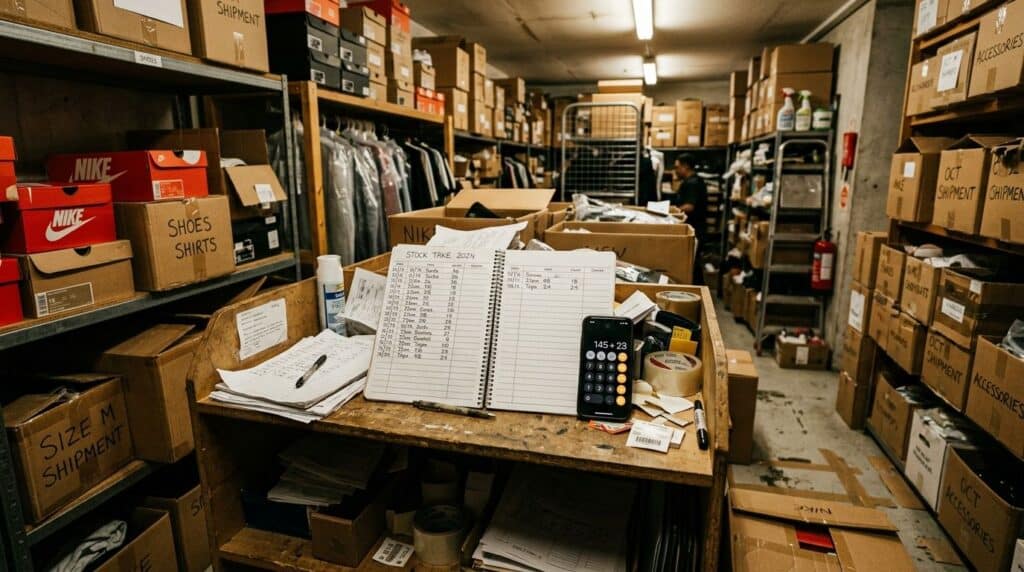
In our installs, the moment a retailer decides to switch almost never comes from a single bad day. It comes from a pattern: they’ve done a physical inventory count three months in a row and the numbers don’t match what’s on the shelf. Or they’ve had to tell a customer “let me check” and walk to the back room, twice in one shift, because nobody’s sure what’s actually in stock.
A few concrete signs worth paying attention to:
- You’re counting inventory by hand, and the count is wrong often enough that you’ve stopped trusting it
- You genuinely don’t know your top-selling item this month without guessing
- You’re running more than one register or more than one location, and the numbers between them don’t line up
- A regular customer asks about a past purchase, and you have no way to look it up
None of these are emergencies on their own. Together, they’re a pattern, and the pattern is the signal, not any single bad afternoon.
How to Tell If You Need One Right Now
There’s no universal revenue number or store size that triggers this. What matters is whether manual tracking is still accurate. If you can count your inventory once and trust it for the next few weeks, you’re probably fine as you are.
If you’re finding discrepancies, losing track of what’s selling, or spending real time each week reconciling numbers that should already agree, that time has a cost even if it doesn’t show up on an invoice. According to Grand View Research, the global point-of-sale terminal market was valued at $123.15 billion in 2025 and is projected to reach $226.87 billion by 2033, a reflection of how many retailers have already made this move rather than continuing to track things by hand.
The good news: switching over doesn’t have to mean weeks of retraining. We’ve written separately about how long that transition actually takes if that’s the part holding you back.
Frequently Asked Questions
What’s the difference between a POS system and a cash register?
Do I need a POS system for a small retail store?
What hardware comes with a POS system?
Is a POS system the same as a payment processor?
Curious What a POS System Looks Like in a Real Store?
See how inventory, reporting, and checkout work together in one system.
Call (888) 365-0026 Book a FREE Demo





