A cash register and a POS system both do one obvious thing: they let a customer pay. Past that, they’re not really the same category of tool anymore. A cash register tracks cash in and out of a drawer. A POS system tracks sales, items, customers, and inventory counts all at once, and keeps that information connected to everything else happening in the store.
Key Takeaways
- A cash register records individual transactions and secures cash. A POS system does that plus real-time inventory tracking, sales reporting, and customer history, connected across every register and location.
- The real dividing line isn’t price or size of business, it’s whether you need to know what’s happening across your whole store (or stores) at once, not just at one register.
- A cash register can’t tell you what’s low in stock, what’s selling, or what a specific customer bought last time. A modern POS system does all three by default.
- Retailers running more than one register or location get the most value from switching, since a POS system automatically keeps all registers’ data in sync.
- Moving from a cash register to a POS system doesn’t have to mean replacing everything at once, most modern systems work with existing card readers and printers.
- A cash register is cheaper upfront with no recurring fee, but that lower cost also means no inventory tracking, reporting, or customer data, the ongoing cost of a POS system pays for capabilities a register simply doesn’t have.
Table of Contents
What a Cash Register Actually Does
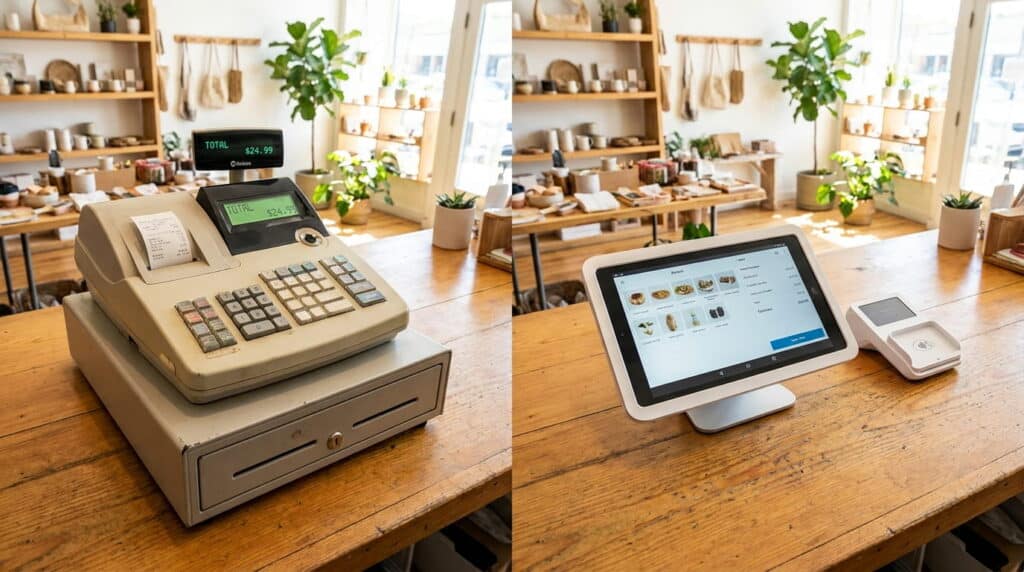
A cash register is built around one job: securing cash and recording that a transaction happened. It opens a drawer, prints a receipt, and keeps a running total. Some registers add basic extras like tax calculation or a handful of preset price keys, but the core function hasn’t changed much in decades. It doesn’t know what you sold, only that a sale for a certain amount took place.
That’s not a knock on cash registers, for a genuinely small, single-register operation with a short product list, that might be all that’s needed. One real advantage worth naming: a basic cash register still works during an internet or power outage in a way a cloud-based system can’t always guarantee, and there’s no monthly bill attached to it. The gap shows up as soon as inventory, reporting, or multiple registers enter the picture.
What a POS System Adds on Top of That
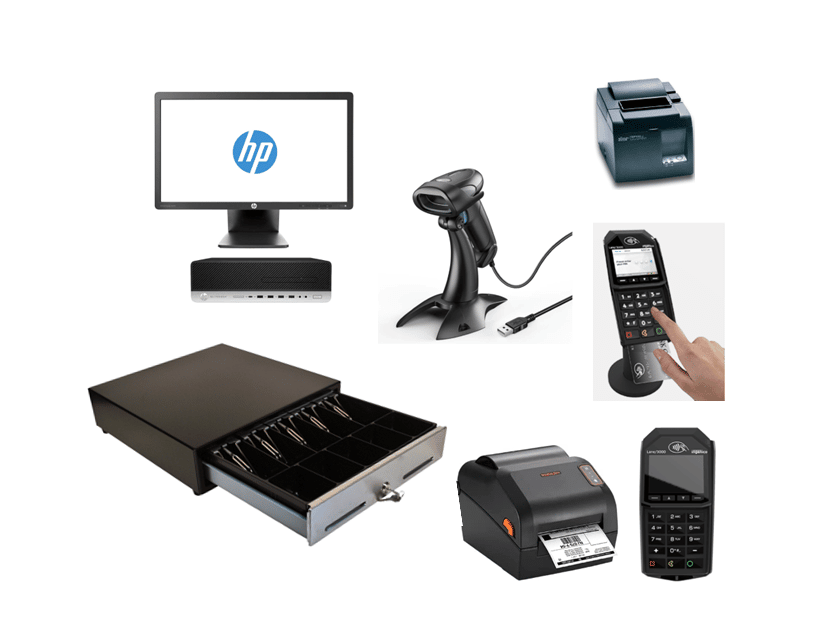
A POS system still does everything a cash register does, taking payment, printing a receipt, securing the drawer, but it also knows what was actually sold. Every transaction updates inventory in real time, gets logged into sales reporting, and can be tied to a specific customer’s purchase history. A cash register typically includes hardware like a barcode scanner and receipt printer working alongside it, a POS system connects that same hardware to software that actually uses the data those devices collect.
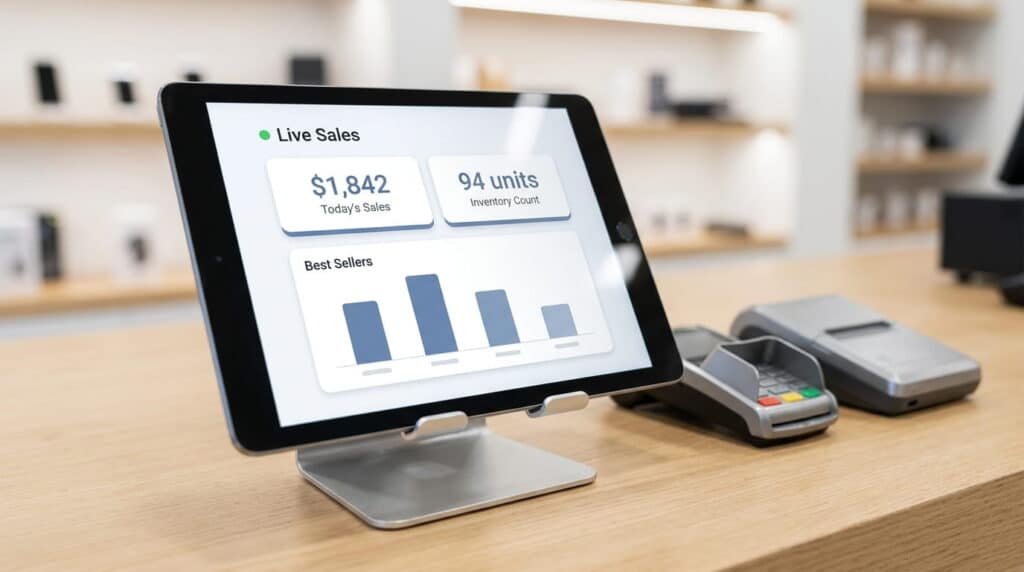
A few other things a cash register simply can’t do: accept multiple payment types beyond cash and card (mobile wallets, gift cards, split tenders) in one unified system, connect to third-party accounting or ecommerce tools, or track employee roles and shifts. Those are standard on a modern POS system, not add-ons.
That connection is the whole difference. A cash register produces a paper tape. A POS system produces a live, running picture of what’s selling, what’s low, and who’s buying it.
Where the Line Actually Is
It’s tempting to draw the line at business size, but that’s not quite it. A single small shop with a short, stable product list might genuinely be fine on a basic cash register for a while. The real dividing line is whether you need to know what’s happening across the whole store, or the whole business, at once.
- You’re manually counting stock because the register doesn’t track it.
- You can’t tell what’s actually selling without pulling receipts by hand.
- You’re running more than one register, and each one keeps its own separate total.
- A customer asks about their purchase history, and there’s no record beyond a paper receipt.
Any one of these might just be a minor inconvenience. Two or three together usually means the register has become the bottleneck, not the tool.
What It Actually Costs: Upfront vs. Long-Term
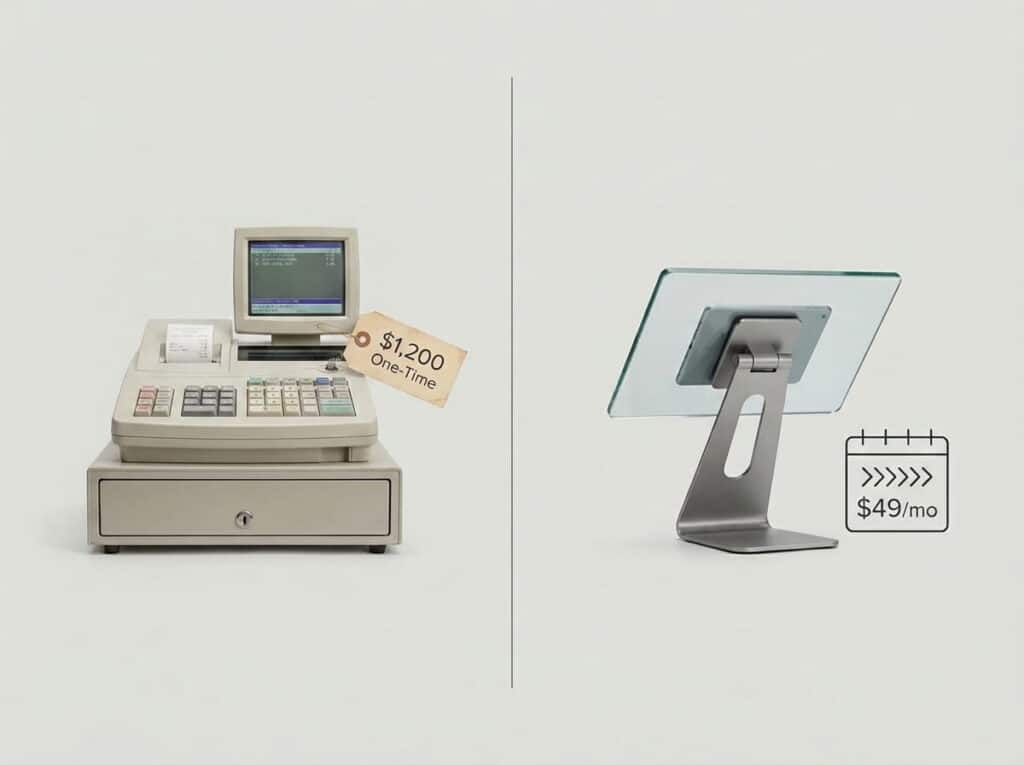
A basic cash register is genuinely cheap, typically a one-time cost with no recurring fee attached. A POS system is a recurring cost, Realtime POS plans start at $80/month per register, for example. That’s a real difference, and it’s worth being upfront about it instead of glossing over it.
The comparison isn’t really apples to apples, though. That lower upfront cost buys a device that only rings up sales. The monthly cost of a POS system is paying for inventory tracking, sales reporting, customer history, and multi-location visibility, capabilities a cash register doesn’t have at any price.
For a single small register with simple, stable inventory, the cash register’s lower cost may be the right tradeoff. For a store that’s outgrown counting stock by hand, the monthly cost is usually smaller than the cost of the stockouts, pricing mistakes, and lost time a register can’t prevent.
A Day at the Register: Cash Register vs. POS System
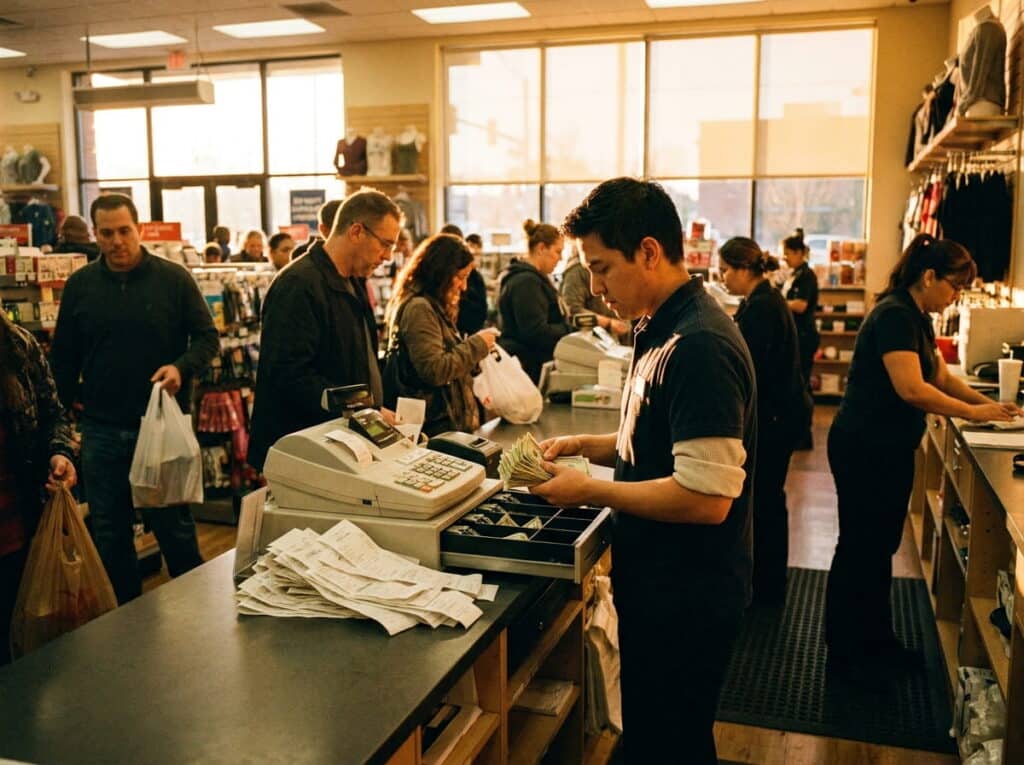
On a cash register, a busy Saturday ends with a drawer count and a stack of receipts, and figuring out what actually sold means going through them by hand. On a POS system, that same Saturday’s sales are already sorted by item and category before the store even closes.
A best-seller running low shows up as a reorder alert instead of an empty shelf someone notices on Monday, and a return next week pulls up the original sale automatically instead of relying on a customer’s memory of when they bought it.
Switching Doesn’t Mean Starting Over
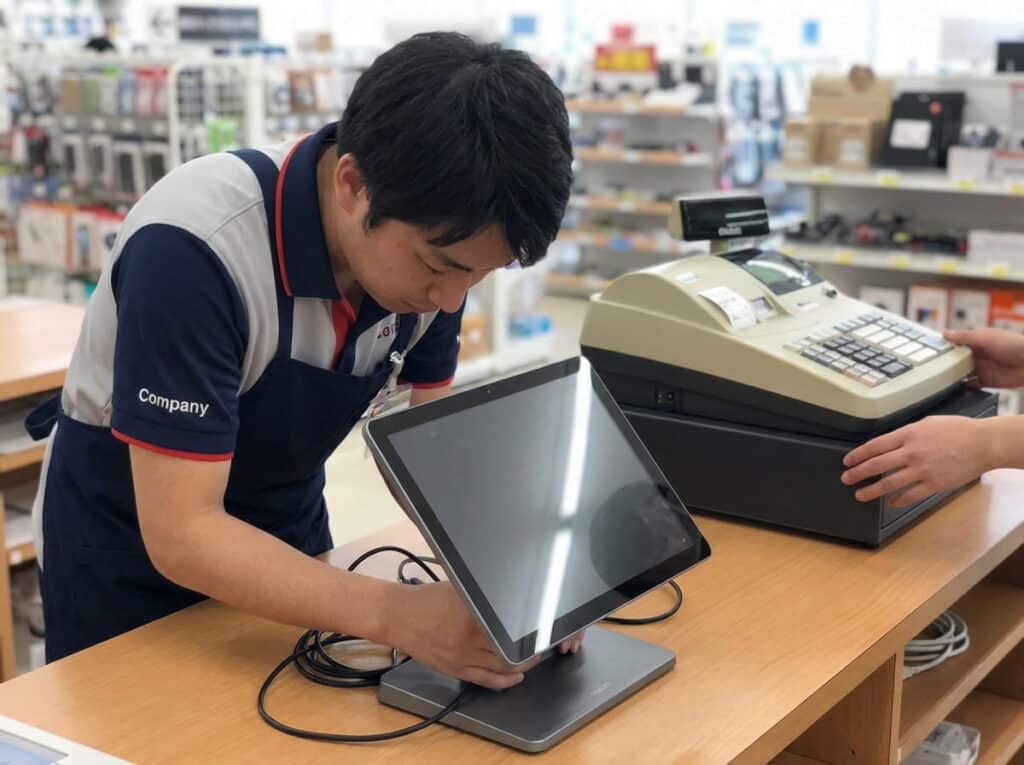
Moving from a cash register to a retail POS system doesn’t have to mean replacing every piece of hardware at once. Most modern POS systems work with existing card readers and receipt printers, the software is what changes, not necessarily everything plugged into it.
The bigger shift is what happens after checkout: inventory updates itself, reports build themselves, and every register (or location) works from the same numbers instead of its own separate tally.
The Register Is Still There, It Just Knows More Now
A cash register isn’t wrong, it’s just built for a narrower job than most growing retailers actually need done. A POS system keeps the part that works (fast, secure checkout) and connects it to everything else a store needs to track.
See What a Real POS System Can Do
Book a free, no-pressure walkthrough and see exactly what you gain by moving up from a cash register, real-time inventory, reporting, and more, all in one system.
Over 50 years of combined retail systems experience · Serving single & multi-store retailers nationwide
Frequently Asked Questions
Is a POS system just an expensive cash register?
No. A cash register only records that a transaction happened. A POS system tracks what was sold, updates inventory in real time, and builds sales reports automatically, on top of doing everything a cash register does.
Can I keep using my existing card reader and receipt printer with a POS system?
In most cases, yes. Most modern POS systems are built to work with standard card readers and receipt printers, confirm compatibility with your specific hardware before switching.
Do I need a POS system if I only have one register?
Not necessarily. A single register with a short, stable product list may run fine on a basic cash register. The need for a POS system usually shows up once inventory tracking, reporting, or multiple registers or locations enter the picture.
What’s the biggest practical difference day to day?
Reporting. A cash register requires manually reviewing receipts to know what sold. A POS system shows that information automatically, already sorted by item, category, and location.
Is a POS system worth the monthly cost compared to a cash register?
It depends on what you need. A cash register costs less upfront with no recurring fee, but it also can’t track inventory, generate reports, or store customer history. A POS system’s monthly cost, around $80/month per register for Realtime POS, pays for those capabilities directly.