
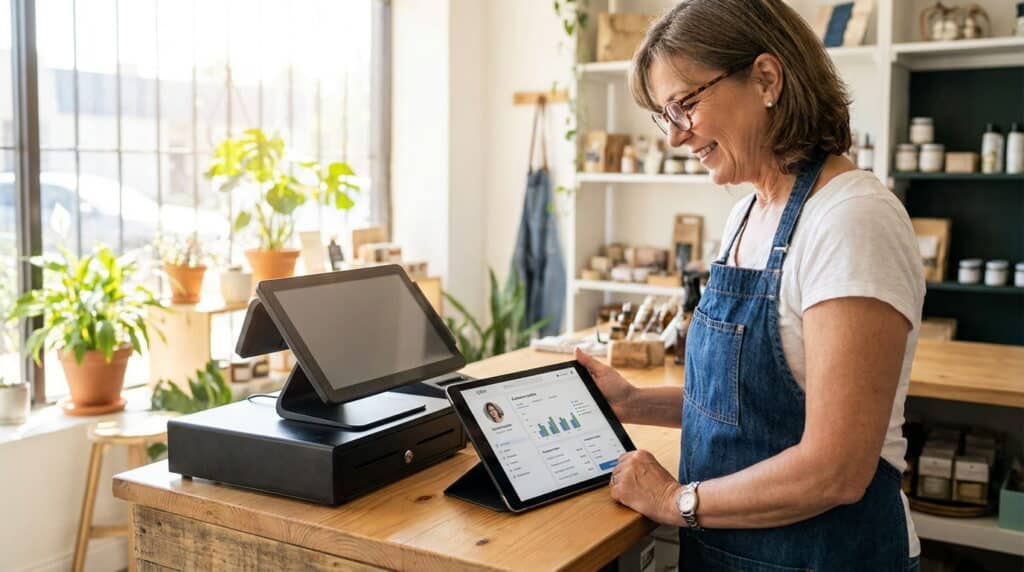
If a marketing rep just told you your business needs a CRM and you’re wondering whether that’s a different thing from the POS system sitting on your counter, you’re not missing something obvious. The terms get used loosely, and most of what’s written about CRM online is aimed at B2B sales teams, not a retail shop trying to figure out if they’re already covered.
Key Takeaways
- A POS and a CRM solve different core problems, but many POS systems today include enough customer-data functionality that a separate CRM is unnecessary for most independent retailers.
- A direct comparison below shows exactly where the overlap and the real gaps are.
- Most CRM content online is written for B2B sales teams, this guide is written for retail specifically.
Table of Contents
What a POS System Actually Does
A POS system’s core job is running the sale: ringing up items, processing payment, updating inventory the moment something sells, and keeping a record of what happened. A modern retail POS also tracks who bought it, when, and what else they’ve purchased before, that customer history lives in the same system as the transaction itself.
A customer who bought a pair of boots in March and comes back in October for socks shows up as one continuous purchase history, not two disconnected visits, because the data is tied to the transaction record itself, not a separate system someone has to remember to update.
What a CRM Actually Does
A CRM (customer relationship management system) is built to track and manage relationships over time: contact details, communication history, marketing campaigns, and, in B2B contexts, a sales pipeline with deal stages and follow-up reminders.
Most CRM software and most articles about CRM software are written for sales teams managing dozens of ongoing business relationships, not a retail shop with walk-in customers. That mismatch is exactly why the retail CRM vs POS question feels confusing, you’re evaluating a tool built for a different job and trying to figure out if you need it anyway.
POS vs. CRM: Side-by-Side Comparison
The real difference is what each system is built to track first. A POS starts with the transaction and adds customer data around it. A CRM starts with the customer relationship and doesn’t process payments at all.
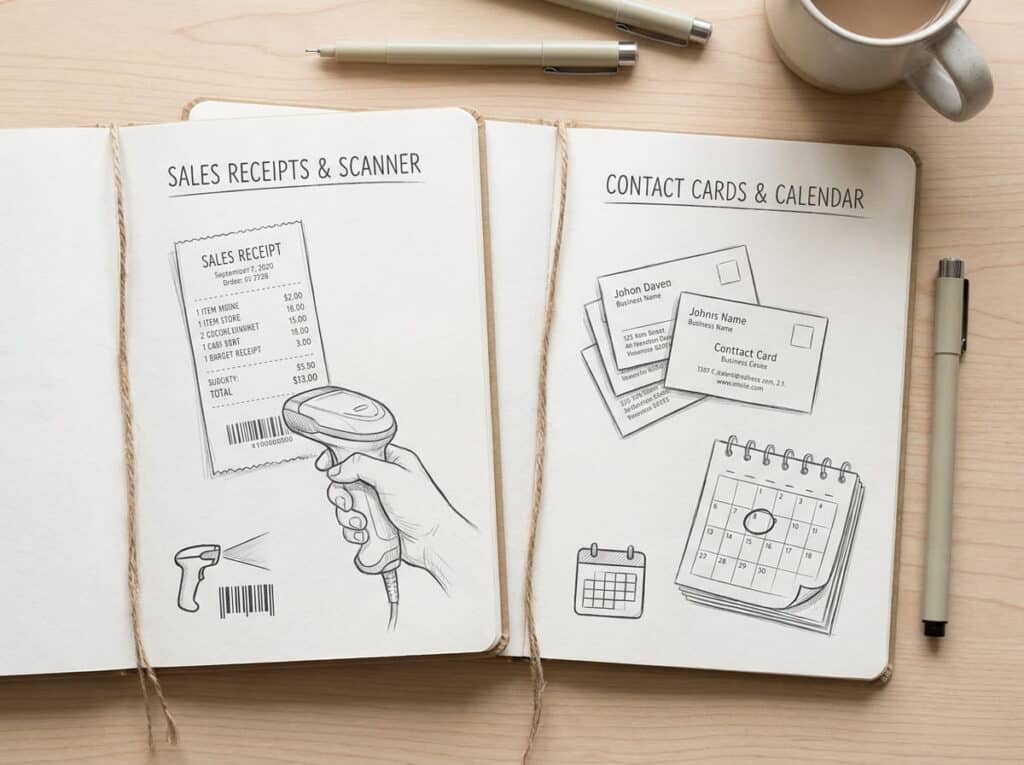
| Function | POS | CRM |
|---|---|---|
| Process a sale | Yes, this is its core job | No |
| Track inventory | Yes | No |
| Store customer purchase history | Yes, tied to actual transactions | Sometimes, manually entered |
| Run a loyalty program | Often built in | Rarely, not its focus |
| Manage a sales pipeline | No | Yes, its core job |
| Marketing automation | Basic, depends on the system | Yes, often extensive |
| Multi-channel customer communication | Limited | Yes, core job |
Where They Overlap
This is where most of the confusion actually lives. A modern retail POS already tracks customer purchase history, contact info, and often loyalty points automatically, tied directly to real transactions instead of manually entered notes. In the stores we work with, retailers who buy a separate CRM on top of this usually end up keeping two records of the same customer, one accurate and transaction-linked in the POS, and one manually maintained and often out of date in the CRM. That duplication is the actual cost, not the CRM’s subscription price.
When a Separate CRM Actually Makes Sense
There are real cases where a dedicated CRM adds value beyond what a POS covers. If you run complex, multi-channel marketing automation (segmented email sequences, drip campaigns tied to specific customer behaviors) that goes well beyond a POS’s built-in marketing tools, a CRM’s depth matters. The same is true if you manage B2B wholesale accounts alongside retail sales, that’s a sales-pipeline problem a POS was never built to solve. For a single-location or multi-location retailer selling directly to consumers, though, these scenarios are the exception, not the norm.
A third case: if your team needs to log detailed, free-form notes on individual customer relationships, a wholesale buyer’s specific preferences, a VIP client’s history of special requests, that kind of qualitative relationship tracking is what CRM software is actually built for, and a POS’s customer fields won’t stretch to cover it well.
What to Check Before Buying a Separate CRM
Before paying for a second system, check what your POS already does. In our installs, the most common mistake is a retailer signing up for CRM software to get “customer insights” their POS was already generating, just under a different menu tab they hadn’t found yet.
- Does your POS track purchase history per customer, not just per transaction?
- Does it support a loyalty or rewards program natively?
- Can it segment customers (frequent buyers, lapsed customers) for a targeted promotion?
- Does it integrate with your ecommerce platform so customer data stays in one place across channels?
If the answer to most of these is yes, a separate CRM is very likely solving a problem you don’t have. For the full picture of what a retail POS system should handle, see our complete retail POS overview.
For most independent retailers, the honest answer is that your current POS is doing more CRM work than you realize. Exceptions exist, but they’re specific, not the default.
Frequently Asked Questions
What’s the difference between a POS and a CRM?
Does my POS system already work as a CRM?
Do small retailers need a separate CRM?
Can a POS system replace CRM software?
See What Your POS Already Tracks
Before you pay for a separate CRM, see how much customer data Realtime POS already captures automatically.






