
If you’re putting off switching POS systems because you’re picturing weeks of confused staff and slower checkout lines, that fear is reasonable, but it’s usually based on the wrong number. Most vendors either say “it’s so easy!” with no specifics, or bury you in a generic software-training article that could apply to any office tool. Here’s an honest, role-by-role timeline instead.
Key Takeaways
- Most staff can ring up a basic sale within a shift or two, full proficiency (returns, reporting, edge cases) takes longer and varies by role.
- Retail has unusually high staff turnover compared to most industries, which is exactly why training speed matters more here than it does elsewhere.
- A role-based breakdown below gives realistic timelines instead of one vague number for everyone.
Table of Contents
Basic Competence vs. Full Proficiency: Two Different Questions
How long does it take to train a new employee on a POS system? Ringing up a basic sale typically takes one to two shifts to learn comfortably. Becoming fully proficient, handling returns, running reports, and troubleshooting an edge case without help usually takes one to two weeks of regular use. These are two different questions, and most answers online conflate them into one vague range.
| Role | Basic Competence | Full Proficiency |
|---|---|---|
| Cashier | 1-2 shifts | 1-2 weeks |
| Shift Lead | 2-3 shifts | 2-3 weeks |
| Manager | 3-5 sessions | 3-4 weeks |
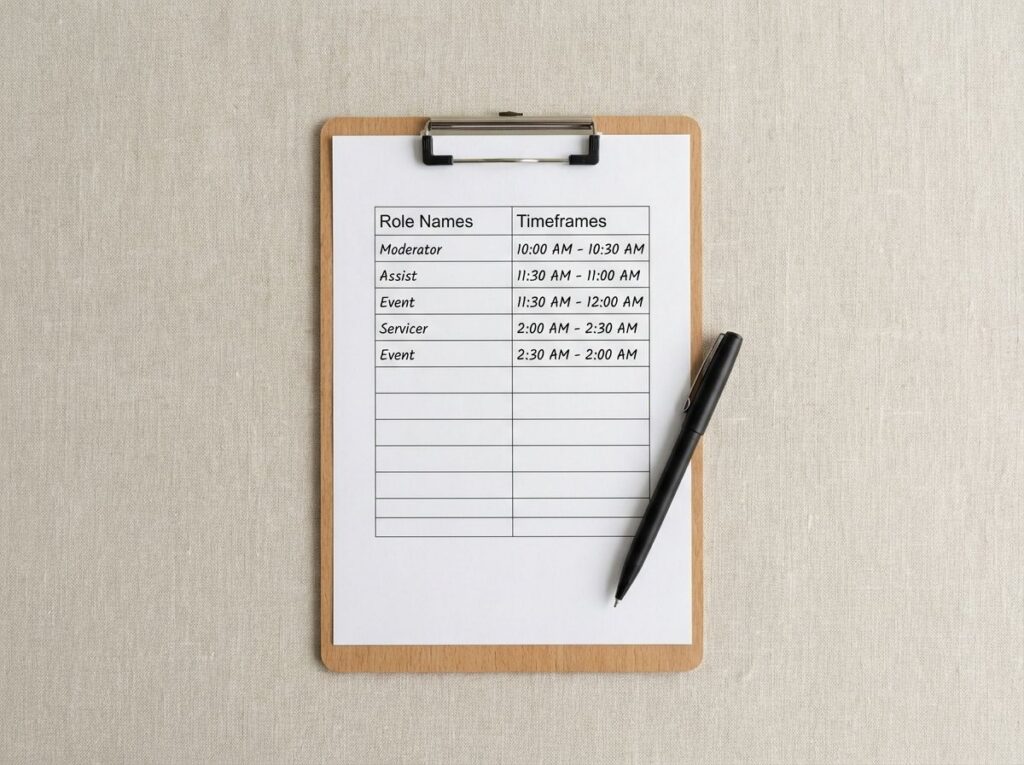
How Long It Takes by Role
A cashier’s job is narrow: ring up items, take payment, handle a simple return. That’s why frontline staff get comfortable fastest, usually within their first shift or two on a reasonably intuitive system. A shift lead needs more: overrides, void approvals, basic troubleshooting when something doesn’t scan right. That takes a bit longer to feel automatic, closer to two or three shifts before it’s second nature.
A manager’s timeline looks different because the job is different. Reporting, inventory adjustments, employee permissions, none of that comes up every shift, so it takes longer just from lack of repetition, not because it’s harder to understand. In the switches we’ve supported, managers are usually confident with day-to-day operations within a week, but becoming comfortable with the full reporting suite takes closer to three or four weeks, simply because they’re not touching every feature every day.
Why Retail Specifically Needs Fast Training
Retail’s staff turnover looks nothing like most industries. According to the Bureau of Labor Statistics’ Job Openings and Labor Turnover Survey, retail trade consistently shows a notably higher quit rate than the all-industry average. That matters directly here: a business with high staff turnover trains new employees far more often than a typical office does, so a system that takes a month to learn isn’t a one-time cost, it’s a recurring one every time someone leaves.
That’s the real argument for prioritizing training speed when choosing a system, not because learning curves are inherently bad, but because retail pays that cost repeatedly in a way most industries don’t.
What Actually Speeds Up Training
A few things make the biggest difference in how fast someone actually gets comfortable:
- An intuitive interface matters more than a feature list. A system that mirrors how a cashier already thinks about a sale (scan, total, pay) needs less explanation than one built around menus and codes.
- Hands-on practice beats video training. Watching a tutorial and actually ringing up a practice sale are not the same skill. The fastest onboarding we’ve seen pairs a short walkthrough with immediate hands-on time on the actual register.
- Floor coaching in the first few shifts catches small habits before they become confusion later. A manager or experienced staffer nearby for the first shift or two shortens the whole timeline more than any amount of upfront training does.
See our full retail POS system overview for what else to evaluate beyond ease of training.
Training Seasonal and Part-Time Staff
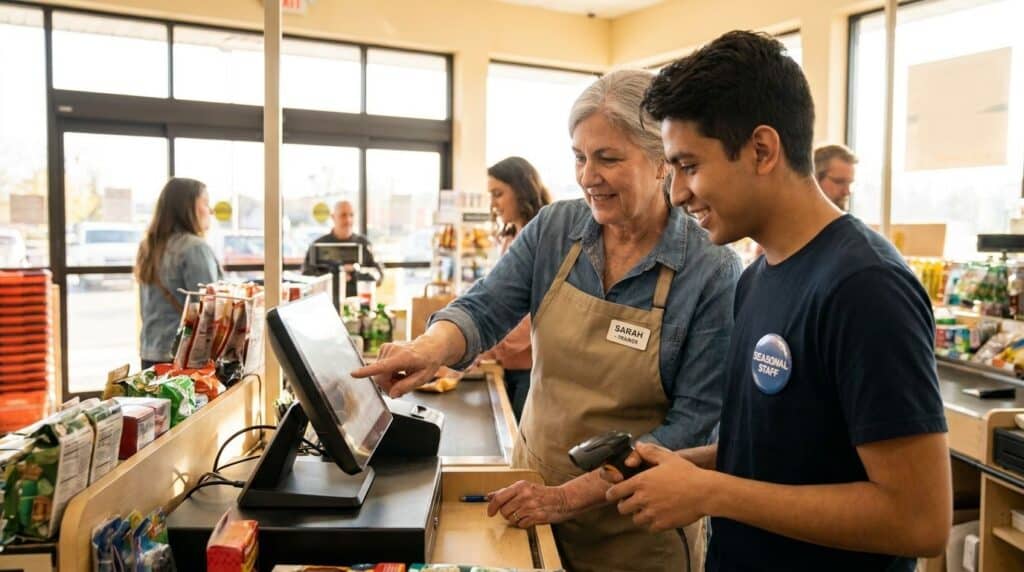
Seasonal and part-time staff change the calculation. You don’t have weeks to get someone fully proficient before a holiday rush starts, and you often don’t need to, most seasonal hires only need frontline competence: ringing up sales and handling a simple return. Save the manager-level training for the people actually doing that job.
In practice, this means training seasonal staff differently on purpose: focus the first session entirely on the basic sale flow, skip the admin features they won’t touch, and pair them with an experienced staffer for their first shift or two instead of a longer formal session. This is exactly the approach that works for seasonal retailers gearing up for a short-term rush, get people useful fast, then backfill the rest only if they stay on.
Frequently Asked Questions
How long does it take to train a new employee on a POS system?
Basic competence, ringing up a sale confidently, typically takes one to two shifts. Full proficiency, handling returns, reports, and less common situations, usually takes one to two weeks of regular use, longer for manager-level features that come up less often. Choosing the right system up front makes this whole curve shorter.
Is a POS system harder to learn than a cash register?
Not usually, for the basic sale flow. A modern POS often has a more intuitive checkout screen than an old-style register. The learning curve comes from the additional features (inventory, reporting, customer data), not from ringing up a sale itself. That’s also part of why a separate CRM often isn’t necessary, your staff are already comfortable with the tools your POS provides.
Do I need to retrain staff every time the POS system updates?
For most updates, no. A well-designed update changes a feature, not the entire workflow, so a brief note or a two-minute walkthrough usually covers it. A major version change is the exception, worth checking with your provider what kind of update is coming.
How do I train seasonal or part-time staff on a POS system quickly?
Focus training entirely on the basic sale flow (ring up, take payment, handle a simple return) and skip admin features they won’t use. Pair them with an experienced staffer for their first shift or two instead of a longer formal session.
See How Fast Your Team Could Be Up to Speed
Realtime POS is built to feel familiar from the first shift, see it in action before you commit to a switch.