
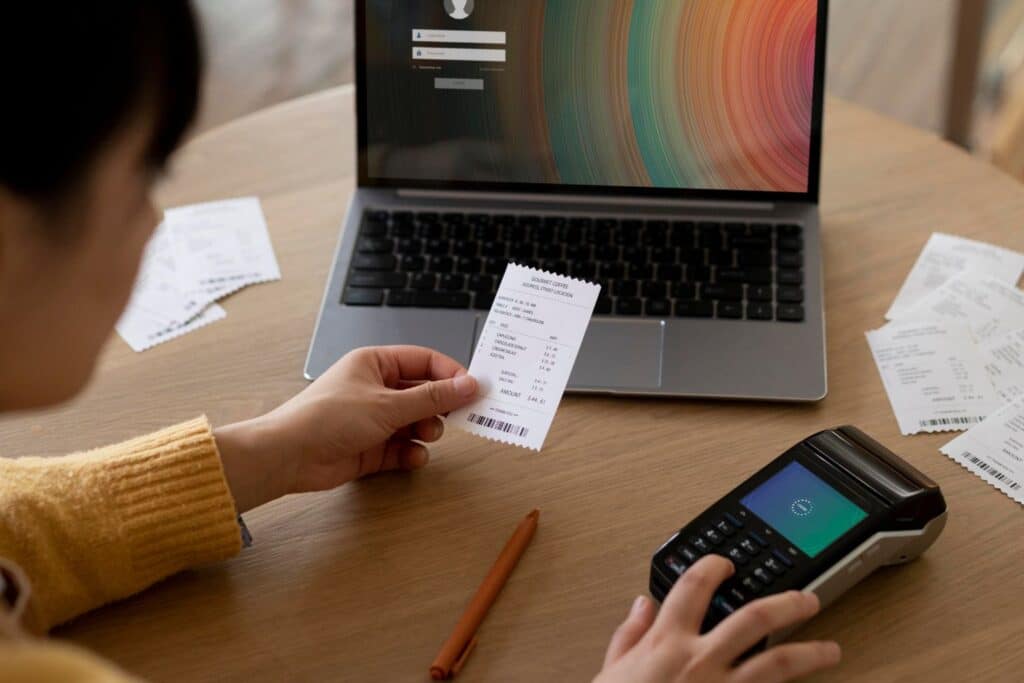
Retail has transformed dramatically in recent years. Customers expect fast, seamless, and personalized shopping experiences whether in-store, online, or across multiple locations. To meet these expectations, retailers need flexible and reliable technology — this is where an online POS system comes in.
Unlike traditional systems limited to a single device or location, online POS allows businesses to manage sales, track inventory, and access customer data securely through the internet. For retailers running more than one store, this means every location works from the same real-time data instead of operating as separate, disconnected systems.
Key Takeaways
- Online POS runs in the cloud instead of on local hardware, so sales, inventory, and reporting stay in sync no matter how many locations you run.
- For retailers with more than one store, an online POS system gives you a single view of inventory and sales instead of checking each location separately.
- Setup cost is typically lower than traditional POS since most online systems need only basic hardware and an internet connection.
- Online POS integrates with ecommerce platforms, so in-store and online sales share one inventory count instead of two separate systems.
- Realtime POS is built to support single-location and multi-location retailers from the same platform.
Table of Contents
- What Is an Online POS System?
- Signs You’ve Outgrown Single-Store Tools
- Benefits of Online POS for Retailers
- Online POS vs. Traditional POS
- How Online POS Keeps Multi-Store and Multi-Location Retailers in Sync
- Features to Look for in an Online POS System
- What This Looks Like by Retail Vertical
- Realtime POS: Built for Growing, Multi-Location Retailers
- Common Questions
What Is an Online POS System?
An online point-of-sale system is a cloud-based platform that processes sales transactions and manages retail operations over the internet, rather than relying on on-site servers or standalone software. Because data is stored securely in the cloud, retailers can access and manage their business from anywhere.
Key functions of an online POS system include:
- Sales processing and receipts
- Inventory management
- Customer relationship management (CRM)
- Employee tracking
- Reporting and analytics
Signs You’ve Outgrown Single-Store Tools
None of these signs on their own means you need new software. Three or more happening at once usually does:
- You’re counting inventory at each store separately, then manually comparing spreadsheets to see the full picture.
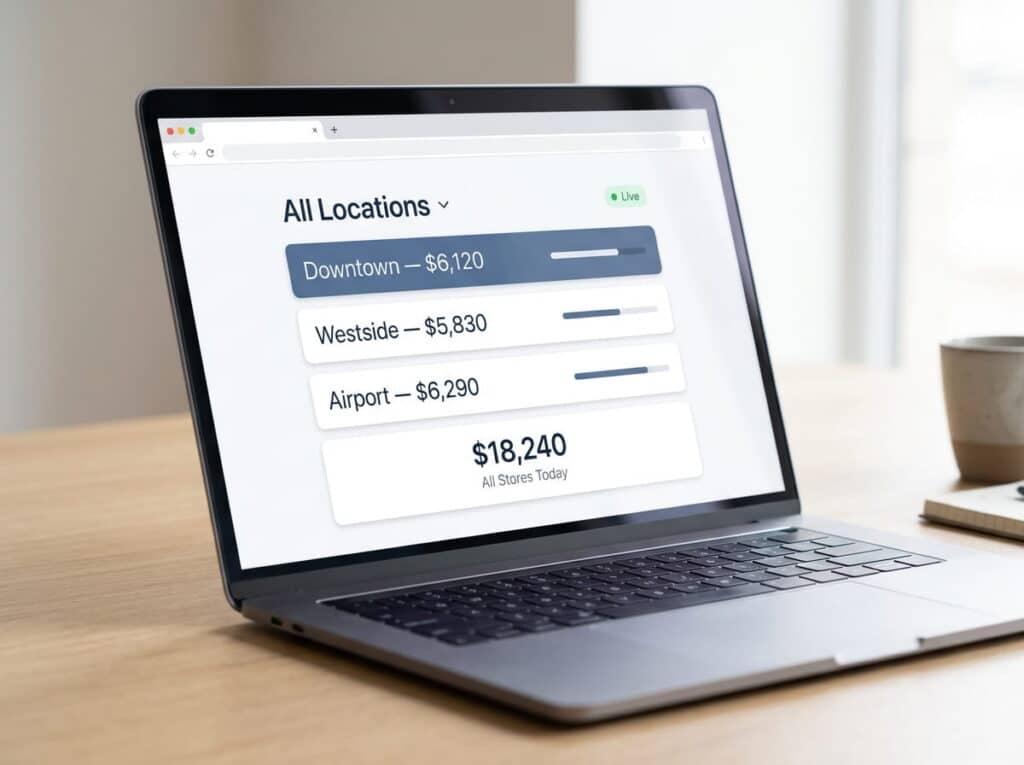
- You can’t see combined sales across all locations in real time; you’re waiting on someone to compile end-of-day numbers from each store.
- Pricing and promotions vary between stores, not because you planned it that way, but because there’s no single place to set them once for everyone.
- Staff at each location have developed their own way of handling returns or special orders, because there’s no shared process enforced by the system itself.
- Purchase orders are created and tracked separately per store, so you can’t see what’s already on order for the whole business before placing a new one.
One or two of these might just mean you need a better spreadsheet. But when three or more show up together, they tend to compound: a pricing inconsistency surfaces during a busy weekend, a stockout happens because nobody could see the other store’s shelf, and reconciling it all afterward eats into time nobody had spare. That compounding is usually the real signal.
Benefits of Online POS for Retailers
1. Access Anywhere, Anytime
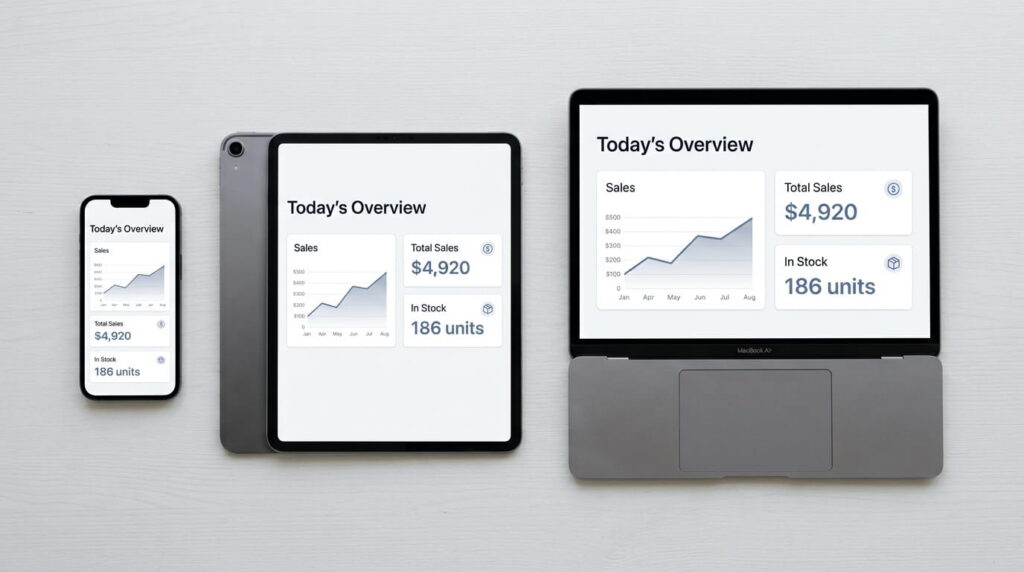
Whether you manage one store or several, online POS lets you monitor sales, check inventory, and review reports from any device — desktop, tablet, or smartphone.
2. Real-Time Inventory Tracking
Inventory updates instantly after every transaction, helping retailers avoid overstocking or running out of stock.
3. Lower Operational Costs
Traditional POS often requires expensive hardware and ongoing IT maintenance. Online POS typically needs only basic devices and an internet connection.
4. Enhanced Customer Experience
Loyalty programs, personalized promotions, and faster checkout are easier to implement with an online POS system.
5. Scalability for Business Growth
Adding new users, registers, or locations is straightforward — no costly system overhauls required.
Online POS vs. Traditional POS
| Feature | Online POS | Traditional POS |
| Accessibility | Anywhere, cloud-based | In-store only |
| Updates | Automatic | Manual upgrades |
| Cost | Lower upfront, subscription-based | Higher upfront, hardware-heavy |
| Data Security | Encrypted cloud storage with backups | Risk of local data loss |
| Scalability | Easily add users/stores | Costly expansions |
Online POS provides more flexibility and consistency across locations, which matters most once you’re running more than one store.
How Online POS Keeps Multi-Store and Multi-Location Retailers in Sync
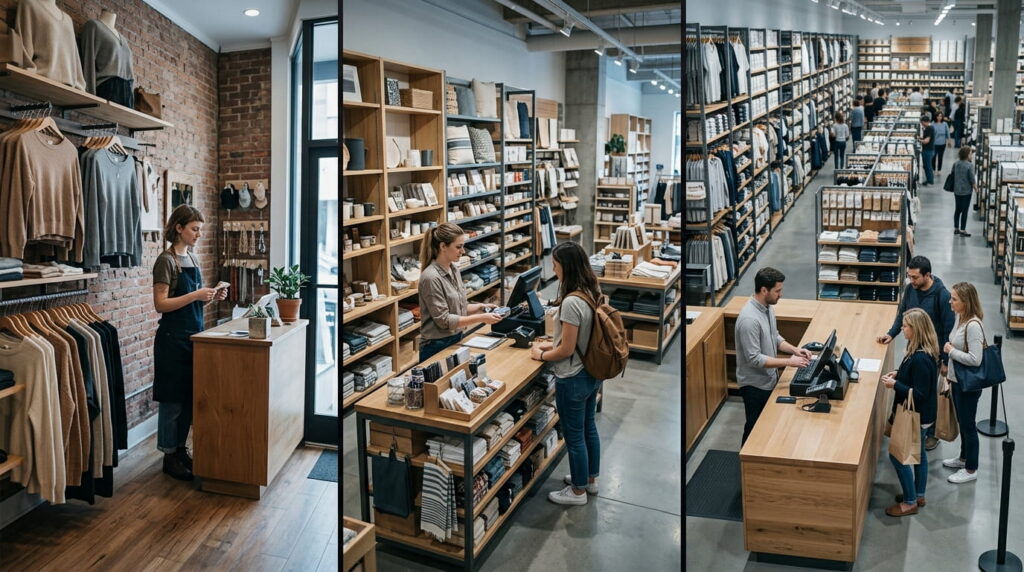
Managing a single store is one thing — keeping multiple locations consistent is a different problem entirely. With a traditional, on-site POS, each location often runs its own separate system, which means inventory counts, pricing, and reporting can drift out of sync between stores.
An online POS system solves this by centralizing everything in the cloud. A sale at one location updates inventory across all locations instantly, so staff at any store can see accurate stock counts — not just for their own location, but for the whole business. That matters for retailers who transfer stock between stores, fulfill online orders from whichever location has inventory, or want a single accurate view of sales performance across every store.
Online POS also supports omnichannel retail the same way: customers can buy online and pick up in-store, or return an online purchase at any physical location, because inventory and order data are shared across every channel — not siloed by location or sales channel.
For growing retailers, opening a new location doesn’t mean starting from scratch. A new store can be added to the same system, with the same product catalog, pricing, and reporting structure already in place.
Features to Look for in an Online POS System
When selecting the right system, consider these must-have features:
- User-Friendly Interface – Easy for employees to learn and operate.
- Inventory Management – Automated stock tracking and alerts across every location.
- Reporting Tools – Sales, performance, and trend analysis, viewable per location or combined.
- Integrations – Works seamlessly with accounting, CRM, and e-commerce platforms.
- Security & Compliance – Encrypted data and PCI-compliant transactions.
What This Looks Like by Retail Vertical
The specifics look different depending on what you sell:
An auto parts store opening a second location needs shared visibility into which branch actually has the part a customer needs right now, instead of saying “we don’t have it” when it’s sitting on a shelf across town.
A shoe store tracking style, size, width, and color as a single matrix product needs that same matrix accurate across every location at once.
A sporting goods retailer managing seasonal inventory- ski gear in winter, baseball gear in spring- needs to move stock between locations as demand shifts by season.
A jewelry store carrying high-value, often one-of-a-kind pieces needs tight, serialized tracking across every location, so a single expensive item’s location and history are always accounted for.
Realtime POS: Built for Growing, Multi-Location Retailers
Retail today isn’t just about a single register — it’s about providing a consistent experience across every location and sales channel a business operates. An online POS system gives retailers the flexibility and real-time data they need to run multiple stores as one connected business, not several disconnected ones.
Whether you run a single shop or a growing multi-location chain, Realtime POS provides online POS solutions built to scale with you — combining sales, inventory, and reporting into one system as you add locations.
Common Questions
Can one online POS account manage multiple store locations?
Yes — an online POS system is built to run multiple store locations from a single account, with inventory, sales, and reporting shared across all of them rather than managed separately per store.
Does each store location need its own separate subscription?
It depends on the provider, but most online POS systems are priced per register or per location rather than requiring a completely separate account for each store — check with your provider on how locations are structured under one account.
Can I view reports for a single location and the entire business separately?
Yes. Online POS reporting typically lets you filter by individual location or view combined totals across your entire business.
Does online POS still work if one location loses internet access?
Most online POS systems include some form of offline mode that lets a register keep processing sales locally, then syncs everything once the connection is restored — worth confirming exactly how a specific system handles this before you rely on it.
What are the 5 types of POS systems?
The five most common types are terminal (countertop) POS, mobile POS, tablet-based POS, self-service kiosks, and cloud-based online POS. Most modern retailers use a mix — for example, a countertop terminal for the main register and mobile POS for the sales floor.
When choosing a POS system for multiple mobile locations, what should a business prioritize?
For pop-ups, food trucks, or event-based selling, prioritize a system that works reliably without a fixed internet connection, syncs sales the moment connectivity returns, and shares inventory with your permanent location so stock stays accurate across every selling point.
How does online POS work?
At checkout, the device sends the transaction over the internet to a cloud server, which processes the sale, updates inventory, and stores the record — all in real time, without needing a local server on-site.
Ready to bring every location onto one connected retail POS system? Contact Realtime POS to see how multi-store setup works, or view pricing to get started.






