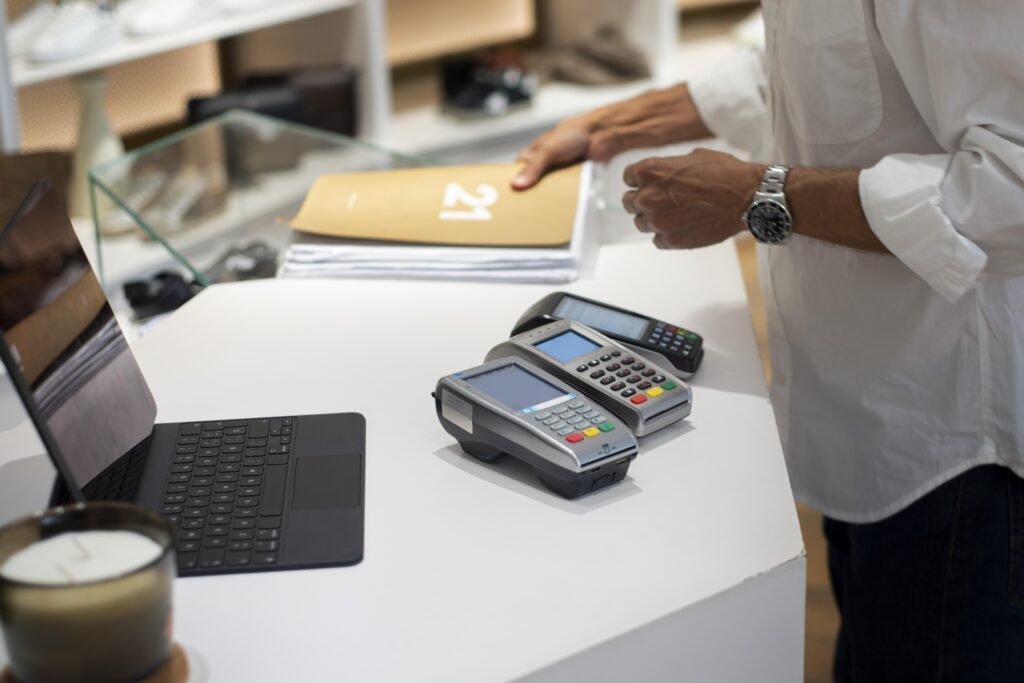
The retail industry keeps moving, and POS devices are at the center of it. Modern hardware is no longer just a cash register — it’s a connected system that ties together checkout, inventory, and reporting in one place, built to keep up with how retailers actually run their stores today.
Key Takeaways
- Modern retail POS devices combine hardware, software, and cloud tools into one connected system — not just a register anymore.
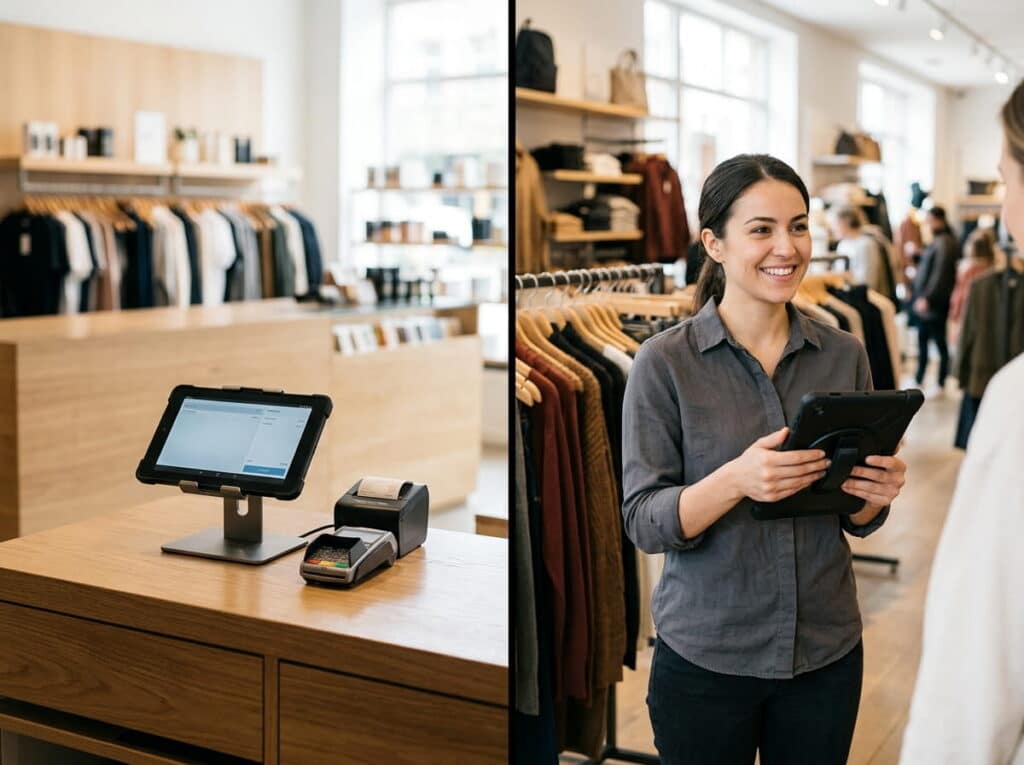
- Hybrid setups (a fixed counter terminal plus mobile POS tablets) give retailers flexibility for both everyday checkout and off-site events.
- Look for cloud-based multi-location management, mobile/contactless payments, real-time reporting, and durable hardware built for constant retail-floor use.
- Upgrading POS hardware is about keeping checkout fast and giving staff better tools — not chasing the newest gadget for its own sake.
- The right setup scales the same way whether you run a single boutique or a multi-location chain.
Table of Contents
Smarter Hardware for Modern Retail
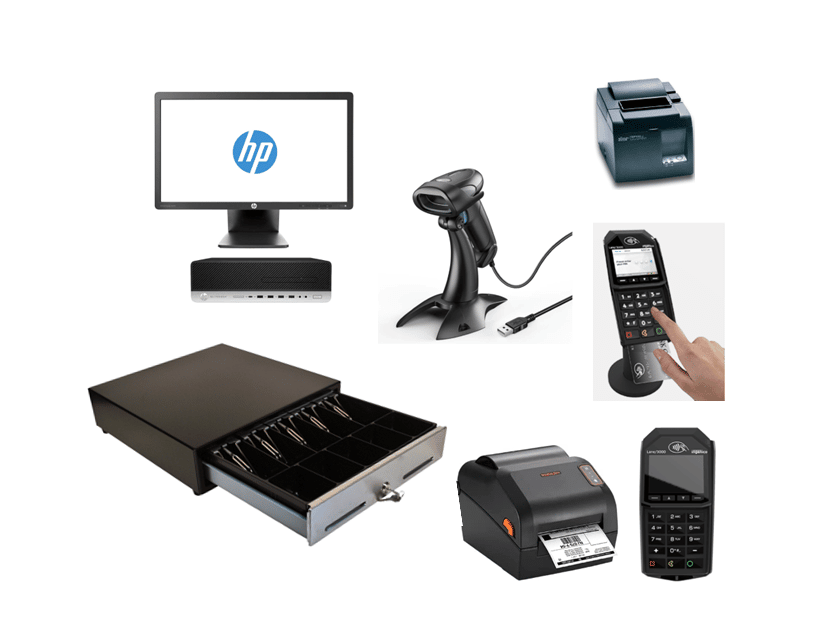
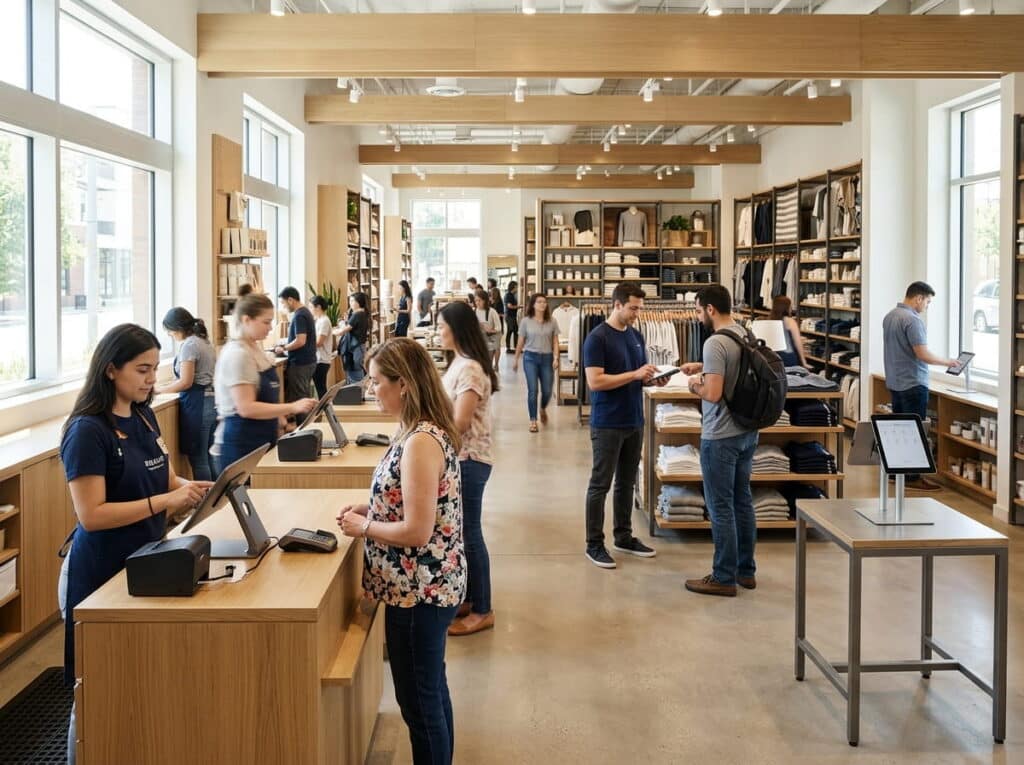
Retail POS devices have gotten more powerful, more compact, and easier to use. Touchscreen terminals, wireless barcode scanners, and mobile POS tablets give retailers flexible options suited to their store size and how their customers actually shop — with faster processors and durable builds made for busy retail floors, not office desks.
Seamless Software and Hardware Integration
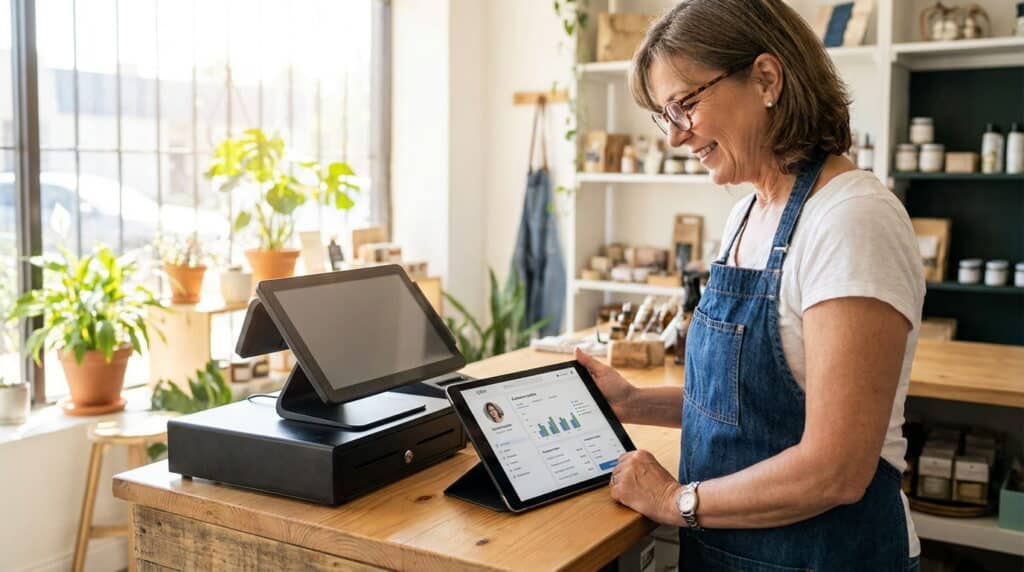
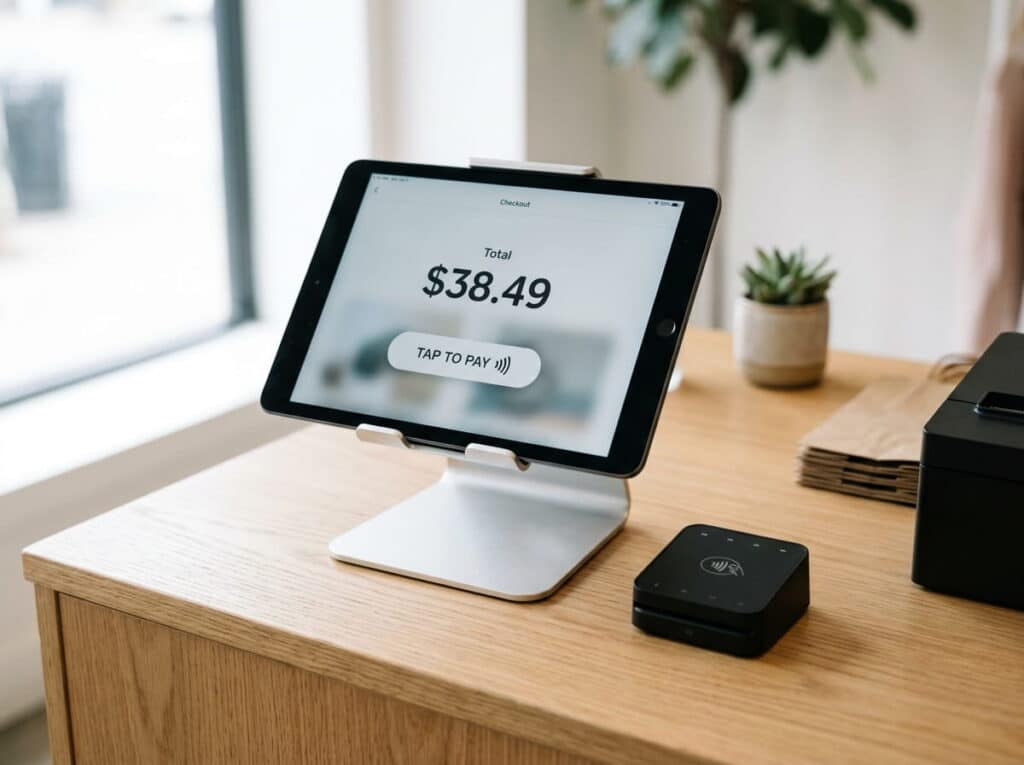
Hardware is only half the picture — it has to work with the software running the store. Hybrid setups that combine a traditional counter terminal with mobile POS devices give retailers flexibility for both everyday in-store checkout and off-site events. Integration with accounting platforms like QuickBooks Online keeps financial management in sync without manual re-entry.
What to Look for in a Modern POS Device
- Cloud-Based Management – Manage multiple store locations from one place, not one system per store.
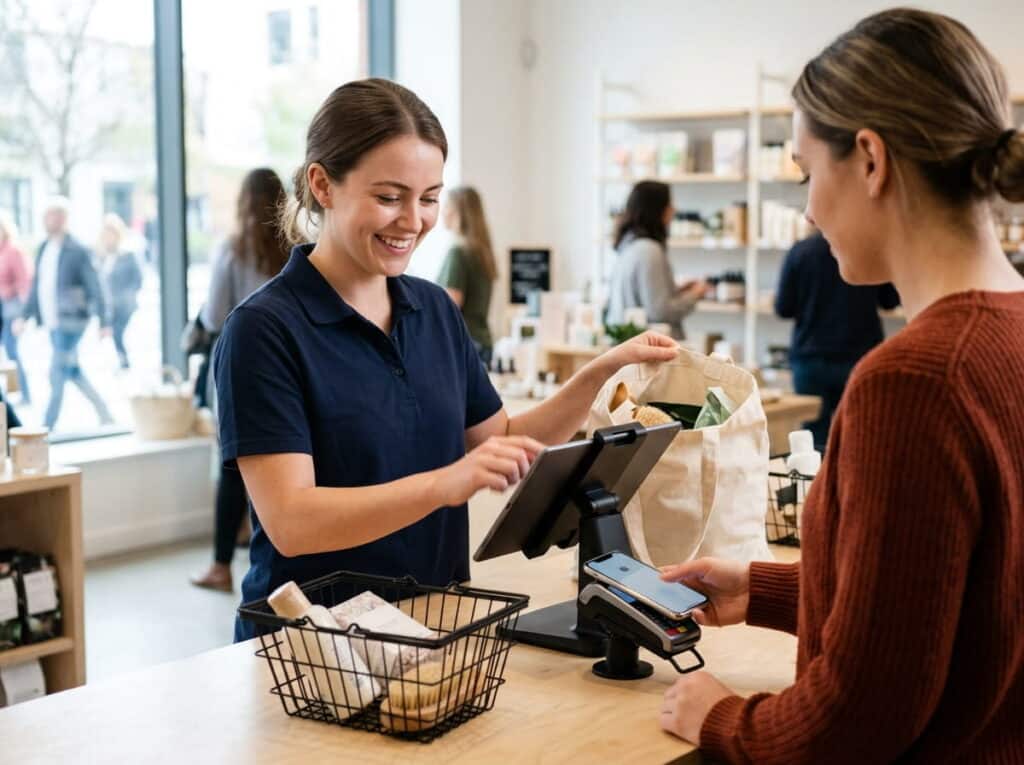
- Mobile and Contactless Payments – Meet customer demand for fast, flexible checkout.
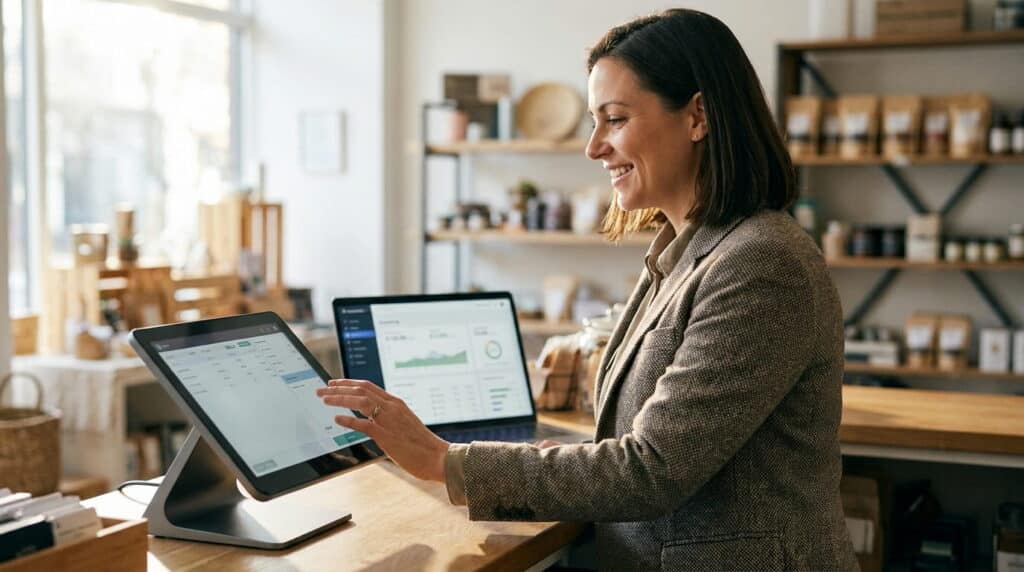
- Real-Time Reporting & Dashboards – See sales, inventory, and performance data as it happens, not after the fact.
- Durability & Energy Efficiency – Hardware built for constant use on a retail floor, not a temporary setup.
Why Retailers Should Upgrade
Upgrading your POS hardware isn’t about chasing the newest gadget — it’s about keeping checkout fast and giving staff the tools to actually run the store well. Whether you operate a single boutique or a multi-location chain, modern POS hardware and software are what keep day-to-day operations from depending on workarounds.
Realtime POS: Your Partner for Modern Retail
At Realtime POS, we provide POS hardware and software built for how retailers actually operate. From point-of-sale systems to inventory management, we help businesses streamline daily operations and improve profitability — with solutions that scale from a single small business to a multi-location enterprise retailer.
Common Questions
What’s the difference between a countertop POS terminal and a mobile POS device?
A countertop terminal is fixed at a register; a mobile POS device (tablet-based) lets staff check out customers or look up stock anywhere on the floor. Most retailers use both together, not one or the other.
Do I need mobile POS if I already have a counter terminal?
Not necessarily — it depends on your store layout and whether staff need to help customers away from the register. A hybrid setup is common, but a single fixed terminal is enough for many small stores.
How often should I upgrade my POS hardware?
There’s no fixed schedule — the better signal is whether your current hardware is slowing down checkout, lacking integrations you need (like cloud sync or QuickBooks), or struggling with your sales volume.
Does new POS hardware work with my existing accounting software?
Realtime POS integrates with QuickBooks Online, so hardware upgrades don’t mean losing your existing accounting setup.