

A size 8 sells out online at 9 a.m. Nobody updates the count on the sales floor until the afternoon stock check, so a customer walks in at noon, asks for the same size, and the associate has to call the other register to check. That five-minute phone call is the whole story of a clothing store that’s outgrown its POS system. The software isn’t broken. It just wasn’t built for a business where one shirt style comes in six sizes and four colors, and every one of those combinations needs its own count.
Key Takeaways
- A broken size or color count isn’t a staffing problem, it’s a sign the POS itself can’t track inventory at the level a clothing store actually needs.
- Apparel returns run higher than most retail categories, and a chunk of that comes from bracketing, ordering multiple sizes with the intent to return some, which a generic system can’t flag or plan around.
- If your online stock count and your in-store count don’t agree, that’s not a sync delay to live with, it’s a sign the system is guessing instead of tracking in real time.
- Generic retail software has a ceiling. Vertical-specific software doesn’t hit that same wall on size, color, and style tracking.
Table of Contents
- Your Staff Is Doing SKU Math by Hand
- Returns Keep Showing Up After the Sale Already Closed
- You Can’t See What’s on the Shelf at Your Other Location
- Your Website and Your Register Don’t Agree on What’s in Stock
- You’ve Hit the Ceiling of What Generic Software Can Do
- What to Look for Instead
- Frequently Asked Questions
Your Staff Is Doing SKU Math by Hand
One shirt style in five colors and six sizes isn’t one product. It’s 30 separate combinations, each one needing its own count, its own reorder point, its own place in the stockroom. A generic POS built for a flat product catalog treats that shirt as a single line item and leaves your team doing the size-and-color math manually, on a spreadsheet, in their heads, or on a sticky note taped to the register. That workaround is the tell. If anyone on your floor can recite which sizes are almost gone without checking the system, the system isn’t doing its job.
Left unresolved, that’s exactly how a broken size run turns into dead stock, sizes and colors that quietly stop selling because nobody caught the gap in time.
Returns Keep Showing Up After the Sale Already Closed
Retailers project $849.9 billion in merchandise returns for 2025, and apparel is one of the categories driving that number hardest, largely because shoppers bracket, ordering a size 8 and a size 10 of the same item with the plan to return whichever one doesn’t fit. A generic POS has no way to see that pattern coming. It logs the return when it happens and moves on. A system built for apparel can flag which styles run high on bracketed returns so you can adjust sizing guidance or stock levels before the pattern repeats.
You Can’t See What’s on the Shelf at Your Other Location
If checking stock at your second location means a phone call instead of a screen, your inventory system is running on a delay, not in real time. That delay is invisible on a slow day and expensive on a busy one: a customer who wants a specific size won’t wait for someone to walk over and count. Multiply that across three, five, or ten locations, and the phone call stops being a minor inconvenience and starts being the reason a customer buys from whoever answers faster.
Your Website and Your Register Don’t Agree on What’s in Stock
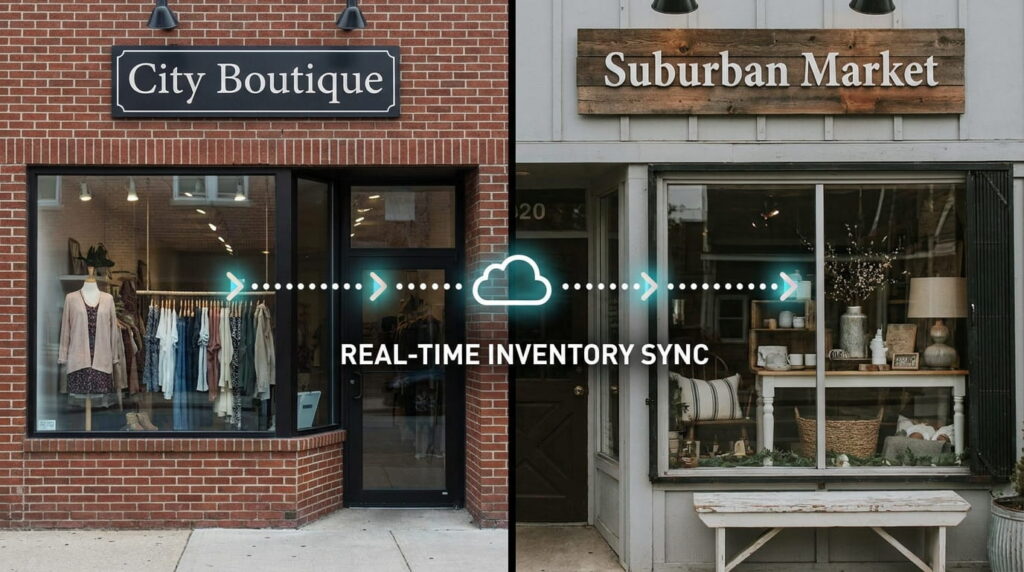
The same size-and-color complexity that breaks in-store tracking breaks online tracking twice as hard, because now two systems have to agree on the same count at the same time. A generic POS bolted onto an ecommerce plugin syncs on a schedule, every 15 minutes, every hour, sometimes overnight. A customer who buys the last size 6 online 20 minutes before someone buys it in-store is now a canceled order and an apology email.
You’ve Hit the Ceiling of What Generic Software Can Do
Every one of the signs above traces back to the same root cause: generic retail software is built for a flat catalog, and apparel isn’t flat. In our work with independent and multi-store retailers over more than 50 years combined, the pattern holds every time: a store that outgrows generic POS didn’t do anything wrong, it just grew past what a flat-catalog system was ever designed to track. That’s not a knock on generic POS, it does its job for a hardware store or a coffee shop. It’s just not your job.
A clothing store POS system that treats size and color as separate trackable units from day one, not bolted onto a generic catalog as an afterthought, is the difference between chasing this problem and not having it.
What to Look for Instead
Before you invest in a new system, ask it these questions directly:
- Does it support variant-based inventory (size, color, style) as a real, first-class feature, not a workaround?
- Is it easy enough for your seasonal and part-time staff to use without a week of training? See how long a POS system actually takes to learn before assuming the answer is no.
- Can it scale with you as you add a location, a season, or an online channel?
- Does it sync with your website in real time, not on a schedule?
- Does it come with support you can actually reach when something breaks at the register?
The same broken-count problem shows up in footwear too, see when to markdown a slow-moving shoe size for the sizing side of it.
Frequently Asked Questions
How many SKUs does a typical clothing store need to track?
What’s the difference between a generic POS and one built for apparel?
Can a generic POS actually handle size and color variants?
What are the real warning signs a POS can’t keep up with a growing apparel business?
Why do apparel returns run higher than other retail categories?
See a POS That Tracks Every Variant
Stop doing SKU math by hand. See how Realtime POS tracks size, color, and style as their own count, in real time, across every location.






