The retail industry is evolving faster than ever, driven by shifting consumer expectations and advances in technology. Today’s shoppers demand seamless, fast, and personalized experiences whether they’re in a physical store, browsing online, or using mobile devices. To meet these demands, retailers are adopting retail POS system software — a tool that goes beyond transaction processing to deliver smarter business management.
By implementing the right POS software, retailers can not only improve efficiency but also gain valuable insights that drive long-term growth.
Key Takeaways
- Retail POS system software combines sales processing, inventory management, customer tracking, and reporting into one platform — not just a digital cash register.
- The three main types — cloud-based, on-premise, and mobile — fit different store setups; most retailers today lean toward cloud-based for flexibility and lower upfront cost.
- Key features to prioritize: an easy-to-learn interface, multi-store management, omnichannel sync, employee tracking, and PCI-compliant security.
- Switching software doesn’t have to mean losing your existing data or accounting setup — most providers handle migration as a standard part of onboarding.
- Realtime POS supports retailers at any stage, from a single storefront to a multi-location business.
Table of Contents
What is Retail POS System Software?
Retail POS system software is the digital backbone of modern retail operations. It combines sales processing, inventory management, customer tracking, and reporting into one centralized platform. Unlike outdated cash registers or manual systems, POS software provides real-time visibility across all areas of a retail business.
If you’re comparing options, our full retail POS system overview breaks down what a complete setup looks like in practice.
Core functions include:
- Processing in-store and online sales
- Tracking inventory automatically
- Managing customer data and loyalty programs
- Generating detailed sales and performance reports
- Supporting multiple payment methods, including credit cards and digital wallets
Benefits of Retail POS System Software
1. Streamlined Sales and Checkout
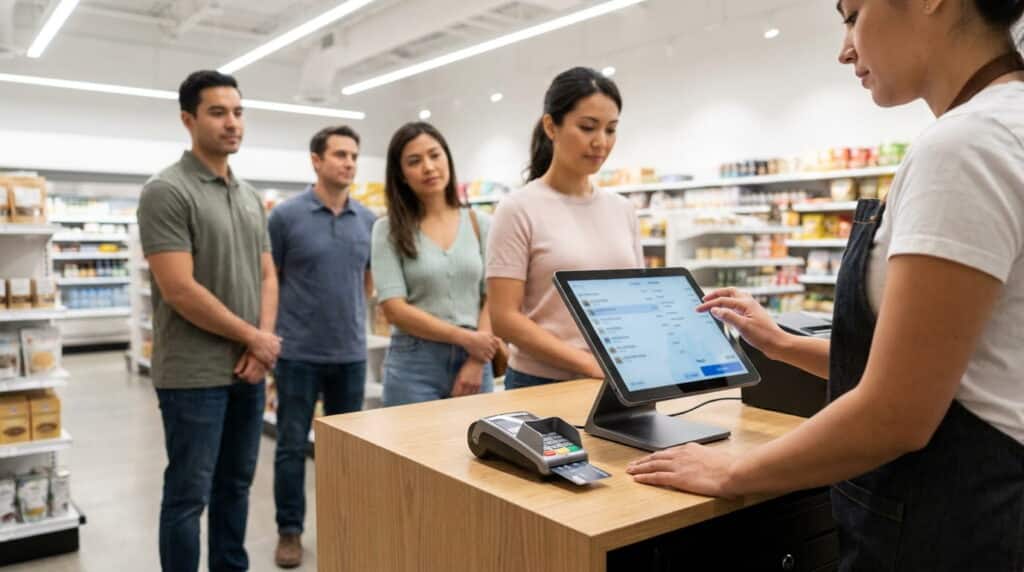
Speed is everything in retail. POS software simplifies checkout by supporting multiple payment options, generating receipts, and reducing errors — all while keeping lines moving quickly.
2. Real-Time Inventory Management
Every sale automatically updates inventory levels, ensuring accurate tracking, automated reorders, and fewer costly mistakes.
3. Better Customer Experience
Modern POS systems store purchase history, enabling personalized promotions, loyalty rewards, and targeted marketing.
4. Actionable Business Insights
Reports on sales trends, employee performance, and top-selling items help retailers make smarter decisions.
5. Scalability for Growth
Whether expanding to multiple locations or adding e-commerce, retail POS software scales without costly upgrades.
Types of Retail POS System Software
Choosing the right retail POS system software starts with understanding the three main types:
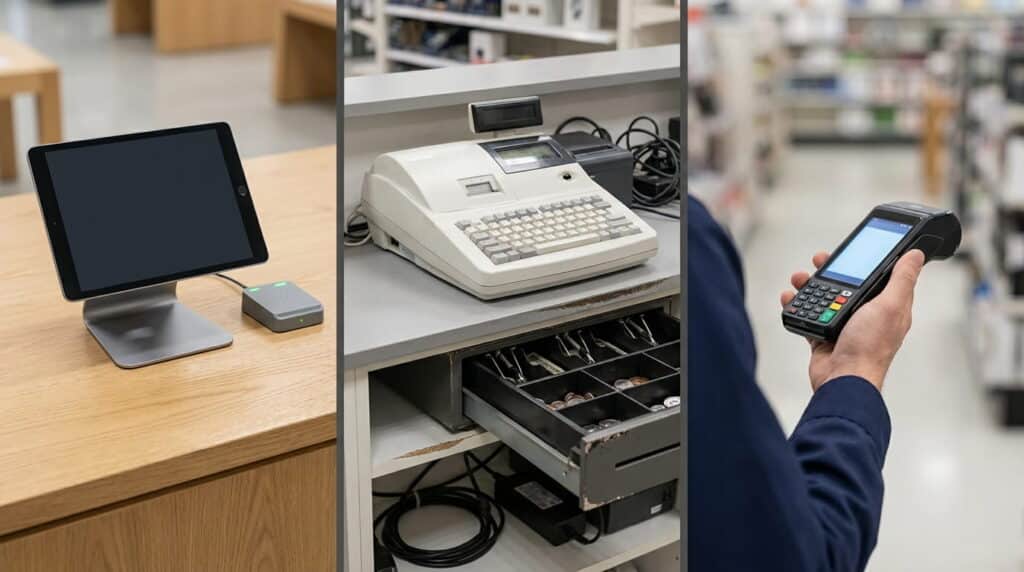
Cloud-Based POS
Hosted online, accessible from any device, and updated automatically. Ideal for retailers who want flexibility, lower upfront costs, and remote access to sales and inventory data — see how a cloud-based approach works in more detail.
On-Premise POS
Installed locally on servers with higher control but increased maintenance. Suitable for businesses requiring maximum customization and willing to manage their own infrastructure.
Mobile POS
Allows retailers to use tablets or smartphones for sales. Great for small stores, pop-ups, or businesses that want checkout flexibility away from a fixed counter.
Most retailers today choose cloud-based systems for the flexibility, but the right fit depends on your store’s size, number of locations, and how much control you want over your own infrastructure.
Key Features to Look For
When selecting retail POS system software, consider features that align with your business goals:
- User-Friendly Dashboard – Easy for employees to learn and use.
- Multi-Store Management – Centralized control for retailers with multiple locations.
- Omni-Channel Integration – Syncs online and offline sales for consistent customer experiences.
- Employee Management – Track shifts, sales performance, and commissions.
- Security – PCI-compliant and encrypted for safe transactions.
Realtime POS: Built for Retailers of Any Size
Retailers who embrace the right retail POS system software gain a real competitive edge — reducing manual work and errors while improving customer retention and enabling data-driven growth. Whether you run a single boutique or a growing multi-location chain, Realtime POS provides the software and support to match where your business is today and where it’s headed.

Common Questions
Which type of retail POS system software is best for a single-location store?
Cloud-based POS typically works best for single-location stores — lower upfront cost, automatic updates, and no on-site server to maintain. On-premise makes more sense only if you need heavy customization and already have IT support in place.
Can I switch from on-premise POS software to cloud-based without losing data?
In most cases, yes. Migrating your product catalog and sales history is a standard part of onboarding with most cloud providers — confirm the specifics with whichever provider you’re considering.
Does retail POS system software work with my existing accounting tools?
Most modern retail POS software integrates with accounting platforms like QuickBooks rather than requiring you to switch systems.
How much training does staff typically need on new POS software?
It varies by system, but a user-friendly, cloud-based interface typically takes new staff a day or two to learn the basics — more complex, heavily customized systems can take longer.
Ready to see which type of retail POS system software fits your store? Contact Realtime POS for a walkthrough, or view pricing to get started.