
Dollar stores built their identity on a single price point, but that’s changing. Dollar Tree, the industry’s namesake, has spent the last several years moving beyond a strict $1 ceiling into $3, $4, and even $7 items, and its 2025 fiscal year sales rose 10.4% to $19.4 billion in the process. Whether or not a given store follows that exact path, the underlying shift, handling more than one price tier cleanly at checkout, is becoming a real operational question rather than a hypothetical one.
Key Takeaways
- Multi-price-point checkout matters more now than it did when “everything’s a dollar” was the whole model
- Customizable quick keys let staff ring up non-barcoded or loose items fast, at whatever price tier applies
- A high SKU count is manageable, but it takes deliberate tracking, not just hoping nothing falls through the cracks
- Shrinkage is a real, measurable cost industry-wide, and it hits harder at high transaction volume and thin margins
In This Guide
Handling More Than One Price Point
The single-price model made checkout simple by definition, everything cost the same, so scanning or keying in an item was never a pricing decision. That’s no longer universally true. Dollar Tree’s own multi-price strategy now spans thousands of stores, with items priced at $1.25, $3, $4, and up, and other dollar-format retailers are watching that shift closely.
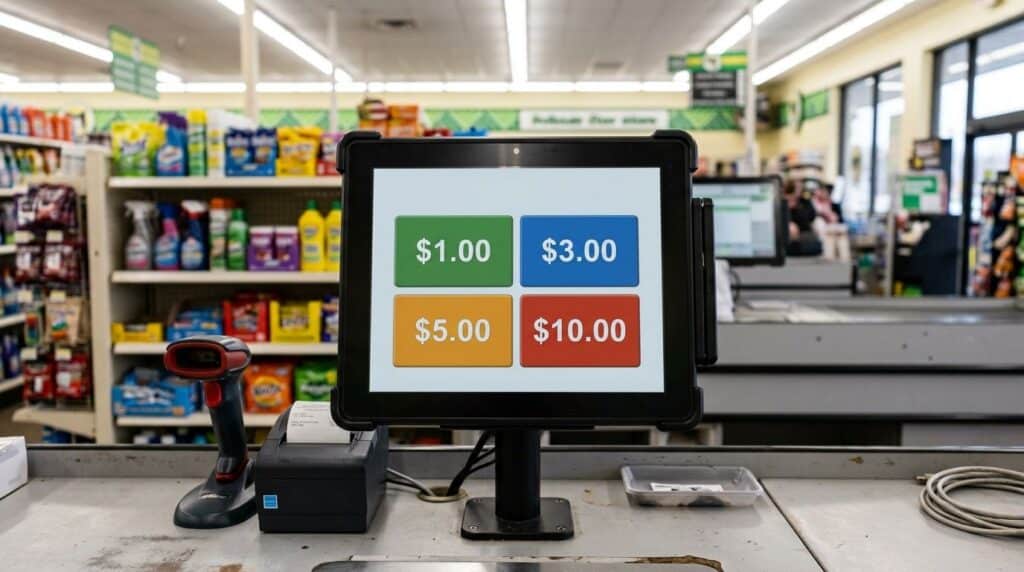
Realtime POS supports customizable quick keys, on-screen buttons set to whatever price point a category needs, so staff can ring up a non-barcoded or loose item quickly without hunting for it in a catalog or manually keying in a price. For a store running two, three, or more price tiers, that’s the difference between a fast checkout line and a slow one.
Keeping Track of a High SKU Count
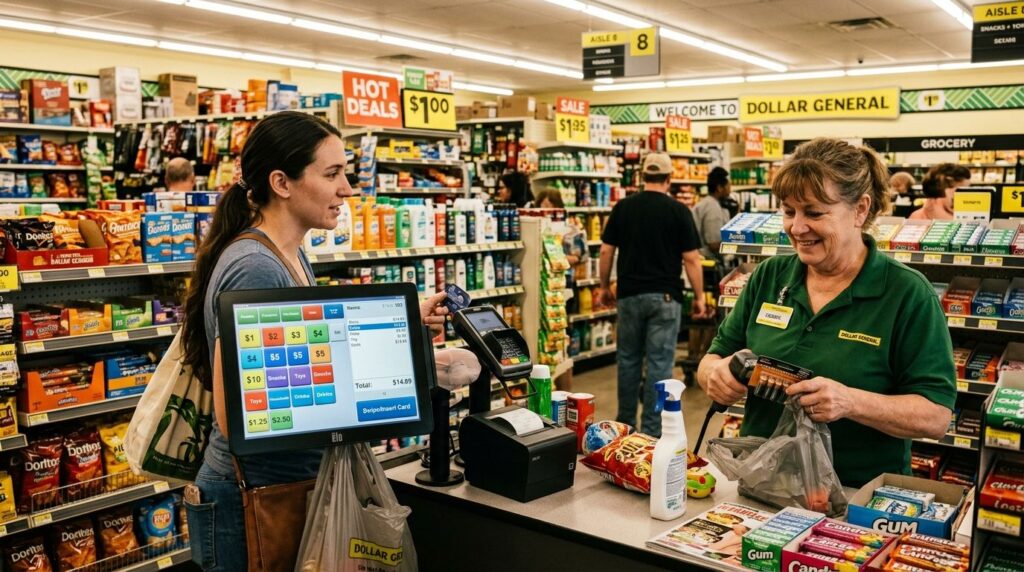
A dollar store’s SKU count can run into the thousands, small items, high turnover, and frequent new product rotation all push in that direction. Our main guide to dollar store POS features covers SKU and category tracking in full, that’s core, developed territory there.
What’s worth adding here is a sense of scale: even a major chain isn’t immune to this getting away from them. Dollar General’s own COO confirmed cutting more than 1,500 SKUs in a recent push toward leaner inventory, a reminder that SKU count is something to actively manage, not something that manages itself just because a system is tracking it.
In the smaller operations we’ve seen, the SKU count creeps up gradually, a new seasonal line here, a supplier’s expanded catalog there, until nobody’s quite sure what’s still actually selling. Reviewing what’s in the system against what’s actually moving, on some regular schedule, catches that before it becomes thousands of dead SKUs.
Why Shrinkage Hits Harder at This Volume
According to the National Retail Federation’s 2023 Retail Security Survey, retail shrink cost the industry $112.1 billion in fiscal year 2022, about 1.6% of sales nationally, with theft, external and internal combined, responsible for roughly two-thirds of that total.
This is an industry-wide figure, not specific to dollar stores, but the math hits differently at a dollar store’s margins than it would at a higher-ticket retailer, a percentage loss on high volume, low-price merchandise adds up fast precisely because there’s less margin per item to absorb it.
Real-time inventory visibility won’t stop theft on its own, but it makes a discrepancy visible quickly instead of surfacing months later during an annual count, which is when a small, steady leak turns into a number nobody can explain.
Frequently Asked Questions
Can a POS handle multiple price tiers instead of a flat $1 price?
How does a POS manage thousands of low-cost SKUs without slowing down checkout?
Are customizable quick keys useful for items without barcodes?
Related Reading
For the full breakdown of SKU tracking, payments, and loyalty features, see our main guide to dollar store POS features.
Built for Multi-Price, High-SKU Dollar Stores
See how quick keys and real-time inventory keep checkout fast and stock accurate.
Call (888) 365-0026 Book a FREE Demo





