
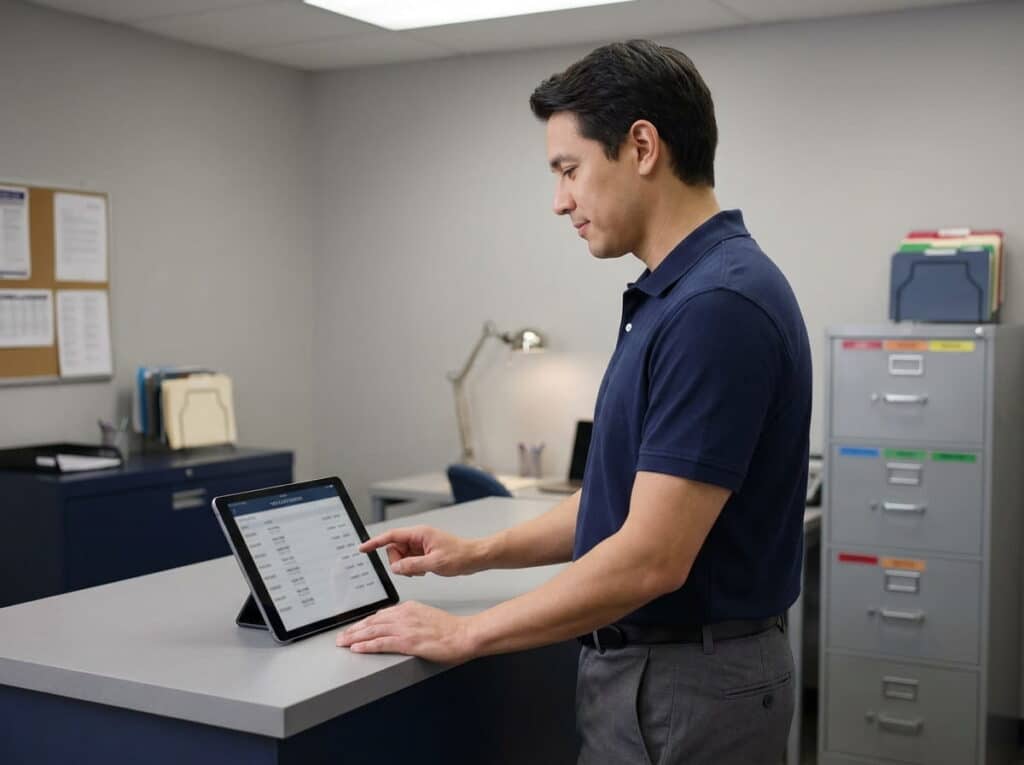
Payroll recordkeeping doesn’t feel urgent until the day it is: a wage dispute, an audit, or a former employee’s claim that surfaces two years after they left. For independent and multi-store retailers juggling part-time schedules, seasonal staff, and multiple locations, payroll records are a compliance requirement, not just a filing-cabinet afterthought.
Here’s what actually needs to be kept, for how long, and why the accuracy of your time-clock data matters more than most retailers realize.
Key Takeaways
- Payroll records include more than paychecks: timesheets, wage statements, and hours-worked data all count and are subject to retention requirements.
- Federal baselines (like FLSA) generally require payroll records to be kept for at least a few years. Still, exact requirements vary by state and situation, so confirm specifics with an accountant or employment attorney.
- A rounding error or inconsistent time-clock habit seems small day to day, but compounds across pay periods into a real recordkeeping and compliance risk.
- A POS time clock’s job is accurate time tracking and labor reporting. It feeds into payroll, but actual payroll calculation (deductions, taxes, withholdings) stays with your payroll provider.
- The most common retention mistake isn’t a legal misunderstanding. It’s simply tossing timesheets once a pay period closes, with no consistent digital backup across locations.
Table of Contents
What Counts as a Payroll Record
“Payroll records” is a wider category than most retailers assume. It’s not just the final paycheck or pay stub. It includes timesheets and hours-worked data, wage rate information, overtime calculations, and records of any deductions or adjustments made to a given paycheck.
For retailers with part-time or seasonal staff, it also means keeping accurate records of schedule changes and shift swaps, since these directly affect hours worked and can matter later if a wage question comes up.
How Long Retailers Are Required to Keep These Records
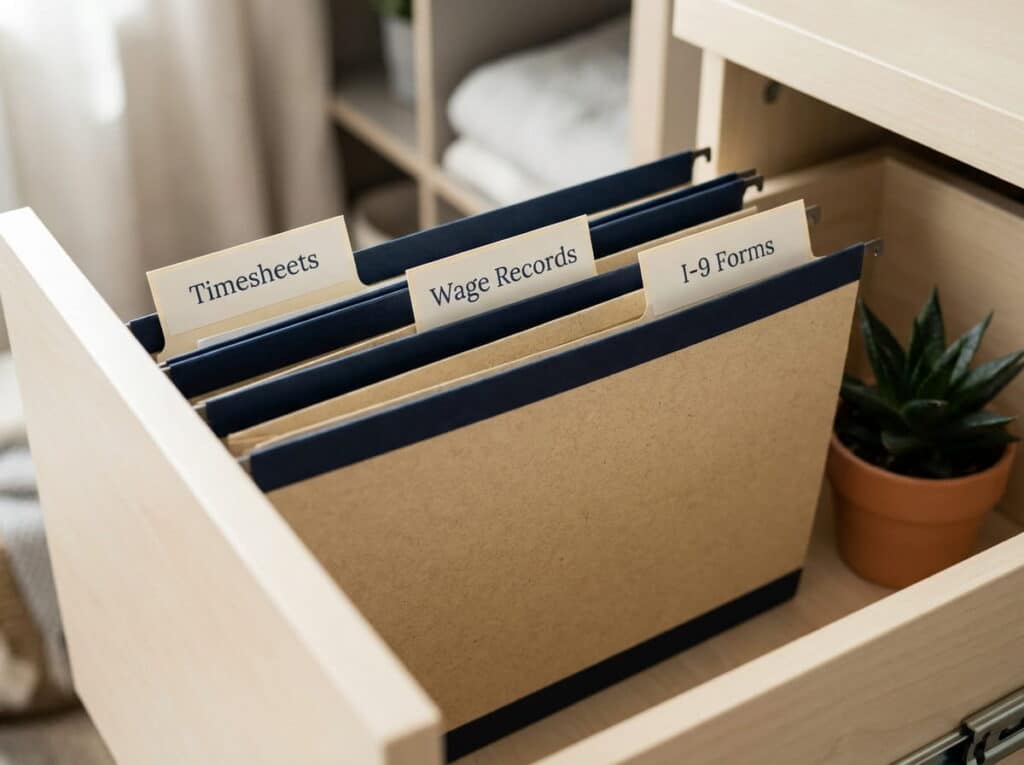
As a general baseline, U.S. federal wage and hour law (the Fair Labor Standards Act) requires payroll records to be kept for at least three years, and records used to actually calculate wages, like time cards and work schedules, for at least two years.
The IRS has its own separate rule for employment tax records: generally at least four years after the tax is due or paid, whichever is later, and W-4 forms specifically should be kept for at least four years as well. Employment eligibility verification forms (I-9s) have yet another retention rule: generally three years after the date of hire, or one year after the employee leaves, whichever is later.
These are baselines, not the full picture. Many states layer on their own, sometimes longer, requirements, and specific situations (like a pending claim or audit) can extend how long you need to hold onto a record. This isn’t legal advice. Confirm your specific retention obligations with an accountant or employment attorney familiar with your state.
Why Time-Clock Accuracy Matters More Than People Think
A few minutes of rounding here, a buddy-punch there: on any single shift, it looks harmless. Across a full pay period, and across every part-time and seasonal employee on the schedule, small time-clock inconsistencies add up into records that don’t actually reflect what was worked.
That’s a problem twice over: it can mean employees are paid incorrectly, and it means the record you’re required to retain doesn’t hold up if it’s ever questioned. The fix isn’t more oversight. It’s a time-clock system accurate enough that this isn’t something staff have to think about.
Where a POS Time Clock Fits In
This is worth being precise about: a retail POS system‘s time clock doesn’t calculate your payroll. It doesn’t touch tax withholding, deductions, or what actually lands on a paycheck. What it does is give you an accurate, consistent record of when someone clocked in and out, tied to the same system your staff already uses at checkout, with reporting that rolls those hours up by employee, shift, or location.
That record is what feeds into whatever payroll provider or accountant handles the actual calculation. The more accurate the clock-in data, the less reconciling anyone has to do downstream, and the better the record holds up if it’s ever reviewed.
Common Record-Retention Mistakes Retailers Make
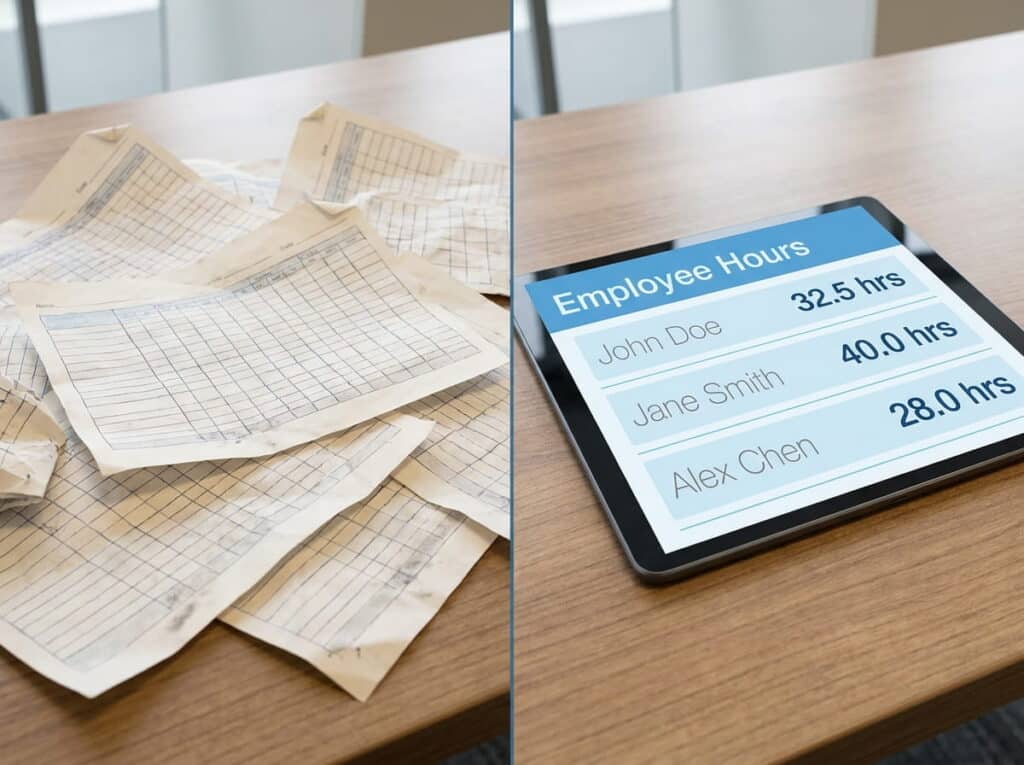
The most common gap isn’t a misunderstanding of the law. It’s simply not having a consistent system in place. Timesheets get tossed once a pay period closes because “the paycheck already went out.” Records exist on paper at one location and digitally at another, with no single place to pull them from later.
A former employee’s file gets treated the same as an active one instead of being held for its own required window after departure. None of these are exotic mistakes. They’re the predictable result of not having one clear, consistent place where time and payroll records live across every location.
Keep the Record, Not Just the Paycheck
Payroll compliance isn’t about the day the check clears. It’s about being able to produce an accurate record months or years later if it’s ever asked for. Start with knowing what actually counts as a payroll record, keep it consistently in one place, and make sure the time-clock data feeding into it is accurate from the first punch-in.
Book a FREE Demo Today!
See how accurate time-clock tracking with RealTime POS keeps your payroll records audit-ready: a free, no-pressure walkthrough tailored to your store’s needs.
Over 50 years of combined retail systems experience · Serving single & multi-store retailers nationwide
Frequently Asked Questions
How long do I actually need to keep payroll records?
As a general federal baseline, at least three years for payroll records and at least two years for records used to calculate wages, like timesheets, though state requirements can extend this, so confirm specifics with an accountant or employment attorney.
Does a POS system calculate payroll taxes or deductions?
No. A POS time clock tracks accurate hours worked and reports on them. Actual payroll calculation, including taxes and deductions, is handled by your payroll provider or accountant, not the POS.
What’s the difference between a payroll record and a personnel file?
Payroll records cover hours, wages, and pay calculations. Personnel files are broader, covering applications, performance reviews, and disciplinary notes, and they often have different retention rules than payroll-specific records.
What happens if my time-clock records aren’t accurate?
Inaccurate time-clock data can lead to employees being paid incorrectly and can weaken your recordkeeping if a wage question or audit ever comes up. Accuracy at the point of clock-in matters more than most retailers expect.






