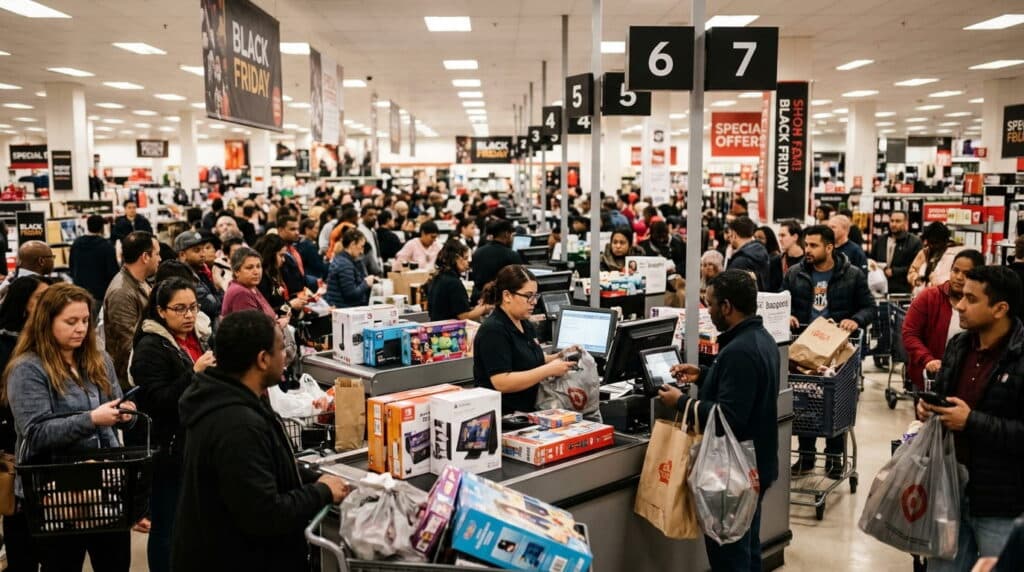
Holiday sales are projected to climb 4.2% to $1.013 trillion in November and December 2026, according to the National Retail Federation, and Black Friday through Cyber Monday carries an outsized share of that. Most prep advice focuses on testing your card reader and adding more payment options. That’s fine, but it’s not what actually breaks a multi-channel retailer’s weekend.
The real risk is simpler and bigger: your online store says something’s in stock while the last one just sold in your showroom, or vice versa. On a normal Saturday, that gap barely matters. At Black Friday volume, it’s the difference between a smooth weekend and a stream of canceled orders and angry customers.
Key Takeaways
- Holiday sales are projected up 4.2% to $1.013 trillion in 2026 (NRF), BFCM weekend carries an outsized share of that.
- The biggest risk isn’t equipment failure, it’s online and in-store inventory going out of sync under the heaviest traffic of the year.
- Black Friday and Cyber Monday break differently: in-store is a checkout-speed problem, online is an inventory-sync problem.
Table of Contents
- What’s the Biggest POS Risk This Weekend?
- Why BFCM Traffic Breaks What a Normal Saturday Doesn’t
- Black Friday In-Store: Checkout Speed and Staff Readiness
- Cyber Monday Online: Keeping Inventory and Site in Sync
- Why Real-Time Sync Matters More This Weekend Than Any Other
- When to Start Preparing, and What to Do First
- Frequently Asked Questions
What’s the Biggest POS Risk This Weekend?
It’s not a broken card reader or a slow checkout line, both are real, but both are survivable. The risk that actually costs you is inventory going out of sync between your online store and your physical shelf during the one weekend where traffic volume makes that gap impossible to catch manually. A sync delay that’s invisible on a normal Tuesday becomes a real overselling problem the moment Black Friday volume hits.
Why BFCM Traffic Breaks What a Normal Saturday Doesn’t
| Normal Saturday | Black Friday / Cyber Monday | |
|---|---|---|
| Traffic volume | Steady, predictable | Multiple times normal, concentrated in hours |
| Inventory sync tolerance | A 15-30 minute delay rarely matters | The same delay can mean dozens of oversold units |
| Checkout queue | Occasional wait | Line length directly affects whether customers stay |
| Staff readiness | Normal routine | One missed step compounds across hundreds of transactions |
Black Friday In-Store: Checkout Speed and Staff Readiness
In-store, the weekend is won or lost at the register. A checkout line that moves fine on a normal Saturday can back up fast when every register is running at once, and a customer who’s been waiting fifteen minutes is a customer who might just leave the line and the purchase behind. Staff need to be ready for this specific weekend’s pace, not just a generally busy day, that means practicing the actual workflow, not just being told it’ll be busy.
Cyber Monday Online: Keeping Inventory and Site in Sync
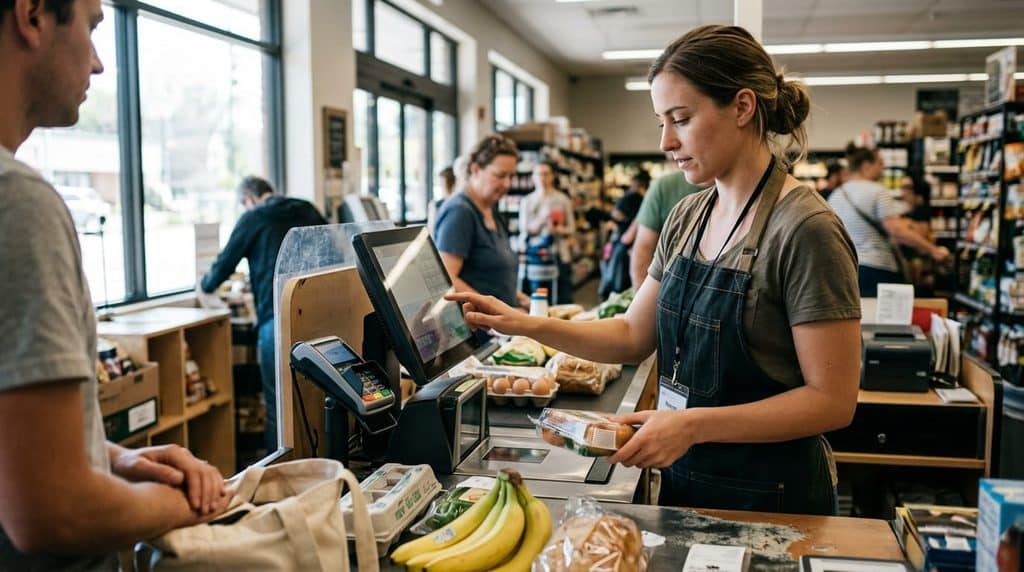
Online, the failure mode is different. Your website needs to reflect real stock levels in real time, not a count from the last scheduled sync. If a product sells out in-store Friday afternoon and your site still shows it available Monday morning for Cyber Monday, you’re taking orders for something you don’t have, and that’s a refund, a canceled order, and a customer who won’t come back next year.
Why Real-Time Sync Matters More This Weekend Than Any Other
Most of the year, a POS that syncs inventory every 15 to 30 minutes is fine, the gap rarely lines up with enough simultaneous sales to matter. BFCM is the one weekend where that math changes. At several times normal transaction volume, a 15-minute sync window can mean dozens of sales happening before your system catches up, and each one past your actual stock is a sale you have to walk back.
RealtimePOS streams every sale directly to a shared cloud database the moment it happens, not on a scheduled batch, which is exactly the difference that matters when volume is this concentrated. Our guide on how real-time inventory sync prevents overselling covers the mechanism in more depth if you want to understand exactly what’s happening under the hood.
In the stores we’ve worked with, the accounts that get burned on Black Friday aren’t the ones with bad systems, they’re the ones running a perfectly fine system that was never built to handle this specific volume spike.
When to Start Preparing, and What to Do First
Start now, not the week before. Here’s the holiday POS checklist in order:
- Audit your current sync delay. If you don’t know how often your online and in-store inventory actually reconcile, find out before BFCM, not during it.
- Run a real transaction test, not just a system check. Process a real sale in-store and confirm how fast it reflects online, and vice versa.
- Set staff expectations for this specific weekend’s pace, not a generic “it’ll be busy” warning. Walk through the actual checkout workflow at speed.
- Confirm payment method coverage (cards, digital wallets, any BOPIS or pickup options you offer) works end to end, not just that the hardware powers on.
- Plan for the Monday after, Cyber Monday’s online surge needs the same inventory accuracy Black Friday’s in-store rush does, don’t treat it as a separate, lower-stakes event.
A retail POS system built for real-time, not batch, sync is what makes the first three fixes possible at all.
Frequently Asked Questions
How early should retailers start preparing for Black Friday?
Start weeks out, not days. Audit your current inventory sync delay, run a real transaction test, and set staff expectations for this specific weekend’s pace well before the rush starts, not the week of.
What’s the biggest POS mistake retailers make on Black Friday?
Assuming online and in-store inventory are in sync without checking. A delay that’s harmless on a normal day can mean dozens of oversold units at Black Friday’s transaction volume.
Does Cyber Monday need different prep than Black Friday?
Yes. Black Friday is primarily a checkout-speed and staffing problem in-store. Cyber Monday is primarily an inventory-accuracy problem online, your site needs to reflect real stock in real time, not a count from the last sync.
How do retailers avoid overselling during Black Friday weekend?
By closing the gap between a sale happening and your inventory count updating everywhere it’s listed. A system that syncs in real time, not on a scheduled batch, is what actually prevents this at BFCM-scale volume.
Get Your Inventory in Sync Before Black Friday
Real-time sync between your showroom and your online store, no batch delay, no overselling.
Explore Retail POS Features Schedule a Demo