
Updated: November 3, 2026
You’re running QuickBooks POS, Microsoft RMS, Clover, Shopify POS, or one of a handful of other systems, and something isn’t working. Maybe the vendor stopped supporting it. Maybe it was never built for a store with real inventory depth in the first place. Either way, you’re comparing options now, and most of what’s online covers the wrong systems: generic “best POS” roundups that skip straight to Square and SumUp without touching the ones you’re actually deciding between.
This retail POS system comparison covers the 8 systems retailers most often ask us about when they’re ready to switch: QuickBooks POS, Microsoft RMS, Retail Pro, NCR, Clover, Shopify POS, WooCommerce POS, and generic cash register apps, plus where RealtimePOS fits against each one.
Key Takeaways
- QuickBooks POS stopped being sold and supported in October 2023, forcing a wave of retailers to migrate with little notice.
- Clover and Shopify POS are strong at payments and ecommerce respectively, but neither was built retail-first, and that shows up in inventory depth once you’re past a single location.
- Microsoft RMS stopped being sold to new customers in 2016, and Microsoft ended extended support for existing customers in 2021. Retailers still running it are on borrowed time.
- Enterprise platforms like NCR and Retail Pro solve real problems at scale but often require consultants just to get set up.
- The right replacement depends less on brand name and more on whether the system was actually designed for multi-location retail inventory, not bolted on afterward.
Table of Contents
Quick Comparison Table
Before the breakdown, here’s the short version. Full pricing details live on our pricing page, so treat the figures below as a starting point, not a quote.
| System | Retail-Native? | Best For | Switching Risk |
|---|---|---|---|
| RealtimePOS | Yes | Independent & multi-store retailers | N/A |
| QuickBooks POS | Was, now discontinued | Nobody, not sold or supported anymore | High: forced migration |
| Microsoft RMS | Was, now legacy | Nobody still buying new | High: past support lifecycle |
| Retail Pro | Yes, enterprise | Large, complex multi-location chains | Medium: consultant-heavy setup |
| NCR | Yes, enterprise | Large retail/hospitality operations | Medium: built for scale, not small teams |
| Clover | No, payments-first | Single-location retailers wanting a simple terminal | Low to start, grows as you scale |
| Shopify POS | No, ecommerce-first | Online-first brands with a physical storefront | Low to start, grows past one register |
| WooCommerce POS | No, plugin-based | Stores already deep in the WordPress/WooCommerce stack | Medium: tied to plugin/platform health |
| Cash Register Apps | No, bare-bones | Pop-ups, markets, very simple single-register setups | High once you need real inventory control |
QuickBooks POS (Discontinued)
What’s the best QuickBooks POS alternative for a retail business? The honest answer: one built for retail from the start, not one that simply syncs with QuickBooks accounting. Intuit stopped selling and supporting QuickBooks Point of Sale on October 3, 2023. If you’re still running it, you’re on software with no vendor behind it anymore, no security patches, no support line, nothing.
Why Retailers Are Stuck
Most QuickBooks POS retailers didn’t choose to migrate, the timeline chose for them. That’s a different kind of pressure than a planned software switch. In our experience helping retailers off QuickBooks POS, the biggest point of failure isn’t the new software, it’s someone assuming inventory counts will transfer automatically when they won’t. You need a replacement that can import your existing data cleanly, not just one with a longer feature list.
What RealtimePOS Offers Instead
RealtimePOS was built as a dedicated retail system from day one, with real-time inventory visibility and QuickBooks Online integration already in place (syncing invoices, payments, and daily sales summaries), so you keep the accounting workflow you know while replacing the POS layer underneath it. We’ve covered the full discontinuation story and migration options in more detail in our dedicated QuickBooks POS replacement guide, worth reading if that’s your specific situation.
Microsoft RMS (Legacy)
Microsoft Dynamics Retail Management System hasn’t been sold to new customers since 2016, and extended support for existing customers ended in 2021. If you’re still on it, you’re running software with no patches and no path forward, full stop.
Retailers in this position usually aren’t comparing feature lists, they’re looking for the fastest, least disruptive exit. That means prioritizing clean data migration and real onboarding support over any single flashy feature.
Retail Pro
Retail Pro is a genuine enterprise retail platform, not a stripped-down tool wearing a retail label. That’s also the catch: implementations commonly need outside consultants to configure, which adds real cost and timeline before you process a single sale. For a large, complex multi-location chain, that tradeoff can make sense. For an independent retailer or a small multi-store operation, it’s often more infrastructure than you need.
NCR
If you’re searching for an NCR Counterpoint alternative, it helps to know where the product (now rebranded NCR Voyix) actually comes from: a company whose roots are in hardware and terminals, not software-first retail management. It’s built for scale: large retail and hospitality operations with the IT resources to run it. Smaller, independent retailers tend to find it heavier than what their day-to-day actually requires.
Clover
What Clover Does Well
Clover built a genuinely strong payments ecosystem with an app marketplace that extends its functionality well beyond a basic terminal. For a single-location retailer who mostly needs reliable card processing with some flexibility, it’s a reasonable starting point.
Where It Falls Short for Dedicated Retail
Clover’s roots are in payments, not retail inventory management. As you add locations or your inventory gets more complex, that general-purpose foundation tends to show its limits faster than a system built around retail operations from the ground up.
Shopify POS
Built for Ecommerce-First Retailers
Shopify POS makes sense as an extension of Shopify’s ecommerce platform into a physical register, not the other way around. If most of your revenue already comes from your online store, that unified system has real appeal.
What a Brick-and-Mortar-First Retailer Misses
If your store is the primary business and ecommerce is secondary (or nonexistent), you’re paying for ecommerce-platform depth you don’t need, while retail-specific workflows like multi-location inventory control were never the system’s original design center.
WooCommerce POS
WooCommerce POS plugins extend a WordPress/WooCommerce site into an in-person checkout tool. That works fine if your whole operation already lives inside that stack, but it also means your point of sale is only as stable as your WordPress plugin ecosystem, a dependency most dedicated retail POS systems don’t carry.
Cash Register Apps
Generic tablet-based cash register apps are the cheapest entry point, and for a pop-up table or a farmers market booth, that’s fine. The tradeoff shows up fast once you need real inventory tracking, multi-location visibility, or reporting beyond a daily total. These tools solve “ring up a sale,” not “run a retail business.”
What to Actually Look For When Switching
Whichever system you’re coming from, a few things matter more than any single feature on a spec sheet:
Migration & Data Import
Can your inventory, customer, and sales history actually move over cleanly, or are you starting from zero?
Retail-Specific Depth
Does the system handle real retail operations like serial number tracking, Open-to-Buy planning, and multi-location transfers, or does it stop at basic checkout and a simple item list?
Multi-Store / Head Office Control
If you have (or plan to have) more than one location, can you manage purchasing, stock transfers, and reporting centrally, or will every store run as its own island?
Why Retailers Choose RealtimePOS Instead
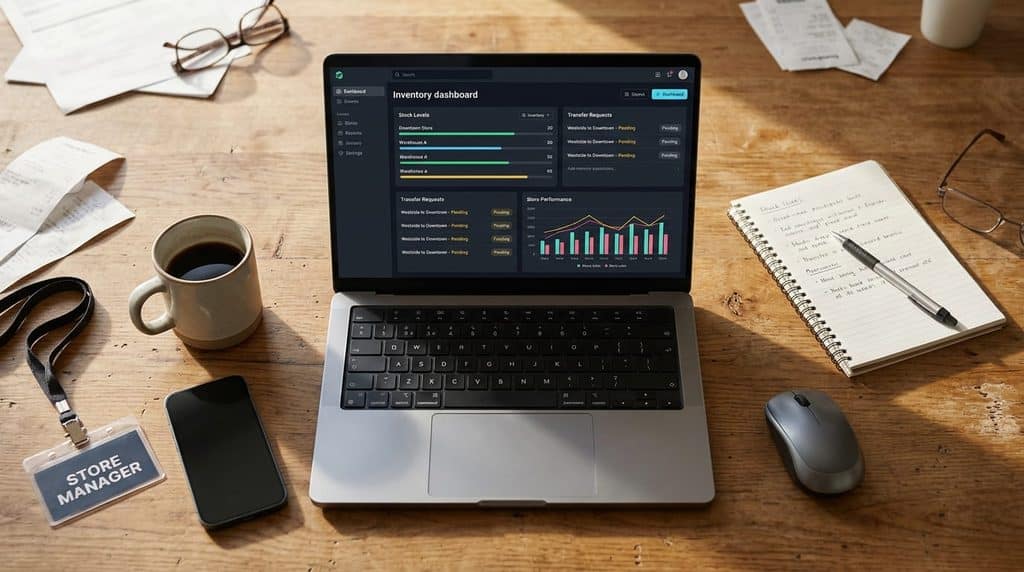
RealtimePOS was built specifically for independent and multi-store retailers, drawing on over 50 years of combined retail systems experience. That means real-time inventory visibility across every location, centralized Head Office control for purchasing and transfers, and a system that was retail-first from day one rather than a payments or ecommerce platform with retail features added later. If you’re evaluating a move off any of the 8 systems above, our point of sale page covers the full feature set in depth.
Frequently Asked Questions
Is Clover good enough for a multi-store retailer?
It can work for a single location, but its payments-first design tends to strain as you add stores and inventory complexity grows. Multi-store retailers generally need deeper centralized inventory and purchasing tools than Clover was built to provide.
What happened to QuickBooks Point of Sale?
Intuit discontinued sales and support for QuickBooks POS on October 3, 2023. Retailers still running it have no vendor support, security updates, or help line behind the software.
Is Shopify POS the same as a retail POS system?
Not quite. Shopify POS is an extension of Shopify’s ecommerce platform into physical checkout, which works well for online-first brands but wasn’t designed around brick-and-mortar-first retail operations.
How hard is it to switch POS systems without losing sales data?
It depends entirely on the quality of the migration process, not the new system’s feature list. Look for a vendor who can walk through your specific data (inventory, customer records, sales history) before you commit, rather than assuming any switch is automatically clean.
See How RealtimePOS Compares for Your Store
Whatever you’re switching from, a real walkthrough beats another spec sheet. Let’s look at your setup.